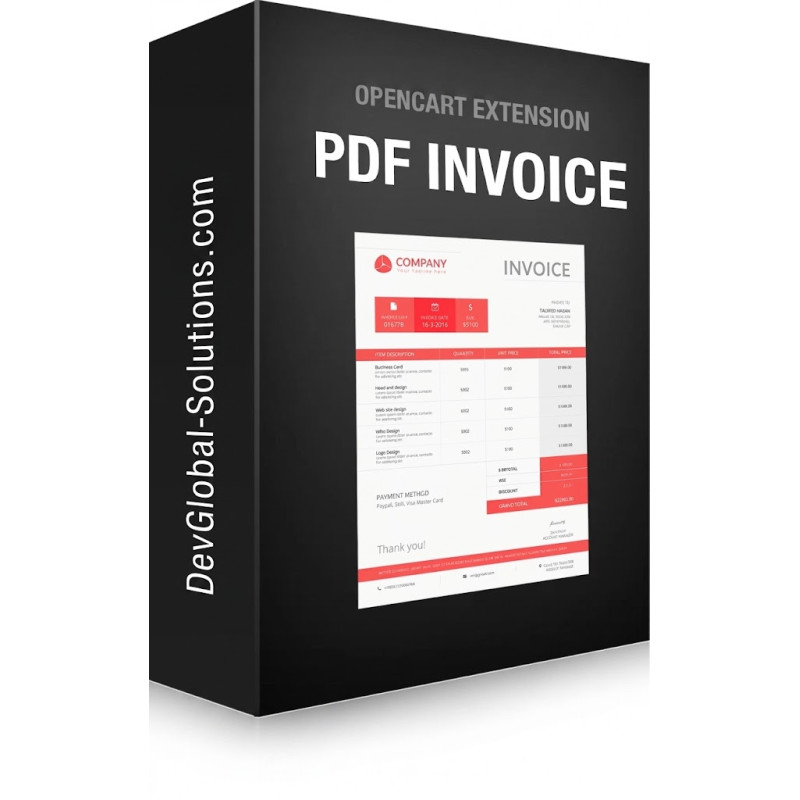
PDF Invoice Email Attachment & Download for OpenCart 3
Engineered by Dev Global Solutions, this comprehensive PDF Invoice module automatically generates and attaches official PDF invoices to customer order notification emails in OpenCart 3. It provides store owners with custom branding controls and gives customers instant access to download secure PDF invoices directly from their account order history.
Key Features & Capabilities
-
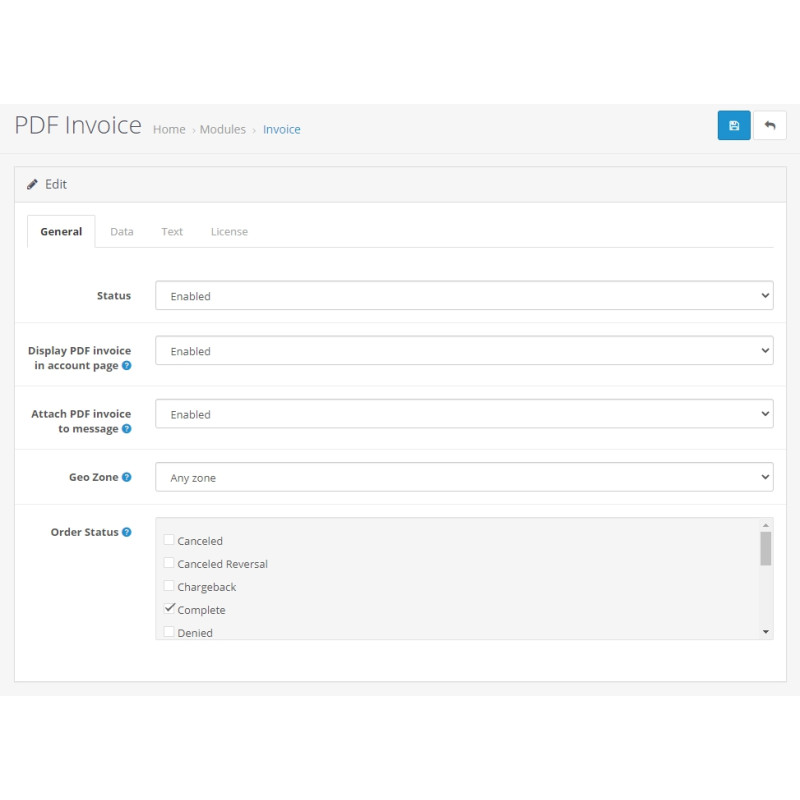
Automated Email Attachments: Attach generated PDF invoices directly to new order notifications sent to buyers, configurable by order status and customer geozone.
-
Full Multilingual & UTF-8 Support: Flawless rendering of Cyrillic, accented, and special characters powered by mPDF integration, automatically adapting product titles, headers, and ISO currency symbols to the customer's selected language.
-
Custom Brand Styling: Add corporate logos, brand accent colors, company details via rich HTML editor, custom seals/stamps, and digital authorized signatures.
-
Flexible Document Layouts: Optionally display Model and SKU fields, define payment terms/due dates, output transaction currency codes, or hide shipping address blocks when not applicable.
-
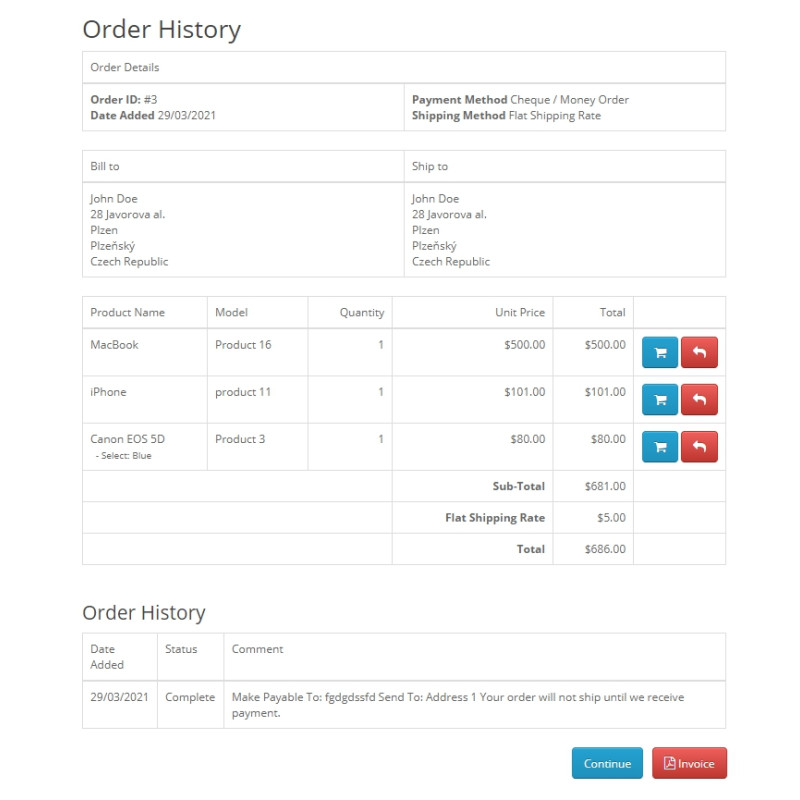
Secure Customer Portal Access: Enables buyers to view and download their historical PDF invoices safely through their account dashboard while strictly enforcing permission access.
Technical & Integration Specifications
Technical Details
PDF Engine: mPDF Library integration (UTF-8 / Unicode compliant)
Target Directory: /system/library/mpdf/
OpenCart Compatibility: OpenCart 3.x (All builds & distributions)
Security: Role-based customer isolation & secure session verification
Installation Note: Ensure the mpdf folder is correctly uploaded to /system/library/ (or installed via OCMOD installer package) prior to enabling module settings in admin.
Installation Guide
-
Upload Module Package
Navigate to Extensions → Installer in your OpenCart 3 admin dashboard and upload the module package.
-
Install PDF Library (mPDF)
Unzip the mPDF library archive into /system/library/ so that the folder path reads /system/library/mpdf/, or upload the library via the Admin Installer if provided as an OCMOD package.
-
Refresh Modification Cache
Go to Extensions → Modifications and click the blue Refresh button in the top right corner.
-
Clear Developer Template Cache
Open the main Dashboard, open Developer Settings (gear icon), and clear the Template Cache.
-
Enable Extension Module
Navigate to Extensions → Extensions → Modules, locate PDF Invoice, and click Install.
-
Configure & Test
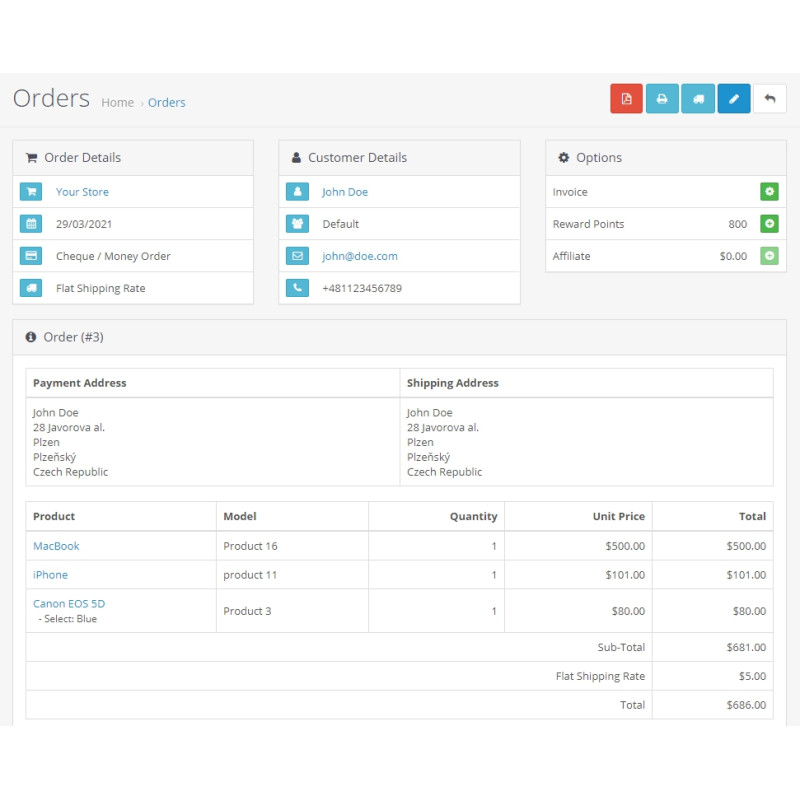
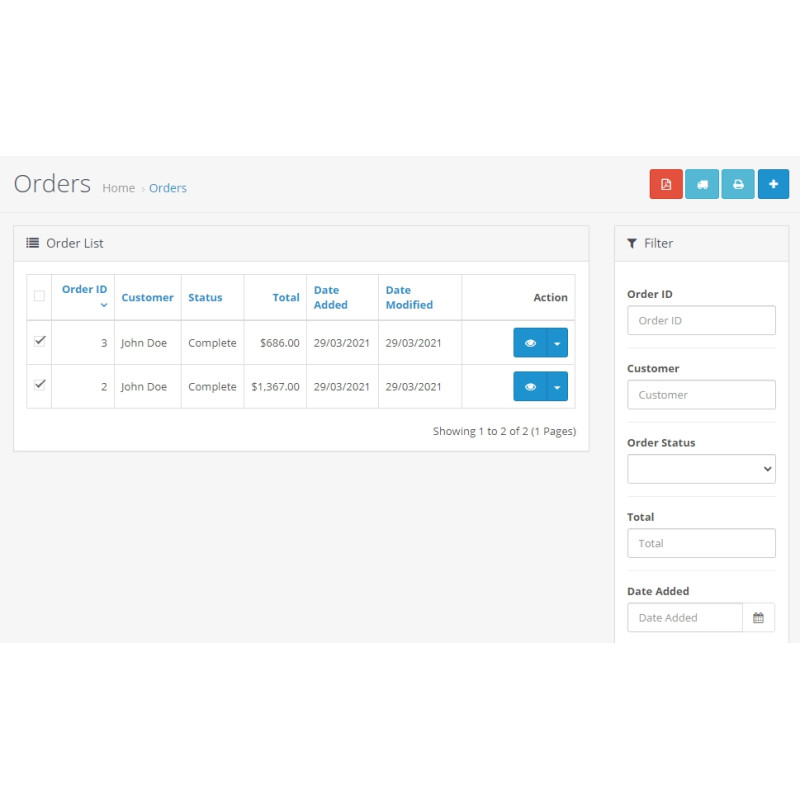
Edit the module settings, enable the status, adjust your branding and trigger parameters, and save. Verify operation under Sales → Orders and by placing a test storefront order.