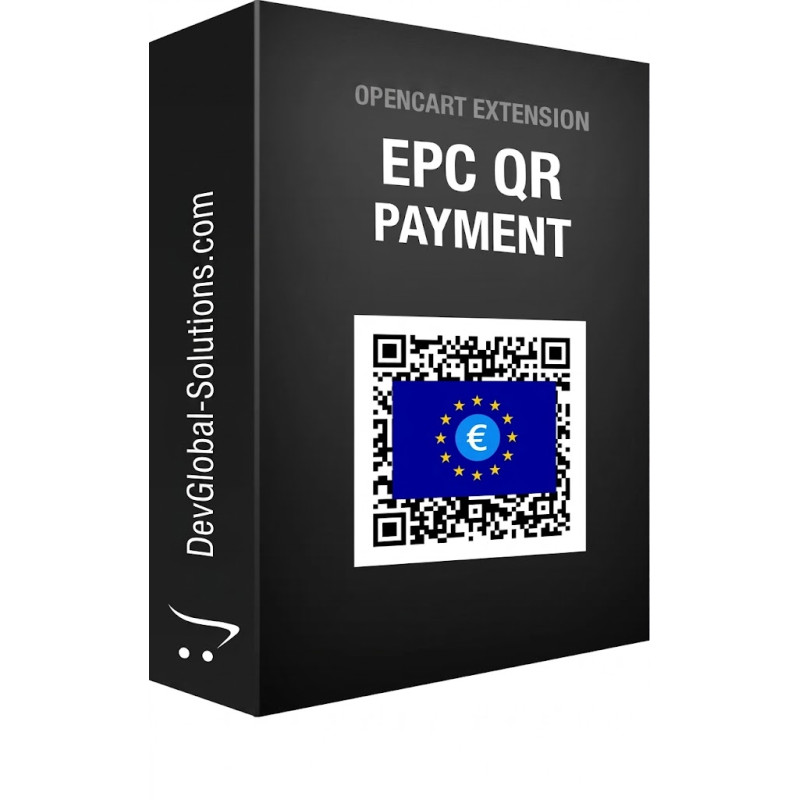
EPC QR Code European SEPA Payment Gateway for OpenCart
Engineered by Dev Global Solutions, this payment extension generates standardized EPC (European Payments Council) QR codes for direct account-to-account SEPA transfers. It allows European customers to settle order payments instantly by scanning the code with mobile banking apps such as Revolut, Bunq, and N26—eliminating card gateway transaction fees while auto-populating IBAN payment details.
Key Features & Merchant Benefits
-
Zero Gateway Commissions: Replaces traditional payment processors with direct IBAN transfers, routing funds directly into your corporate bank account with no intermediary fees.
-
Unified European Standard: Fully compliant with official EPC QR guidelines for Single Euro Payments Area (SEPA) transfers across EU banking institutions.
-
Seamless Mobile Banking UX: Automatically prepopulates order totals, merchant IBAN, BIC, and SEPA remittance references when scanned or uploaded as a screenshot into banking apps.
-
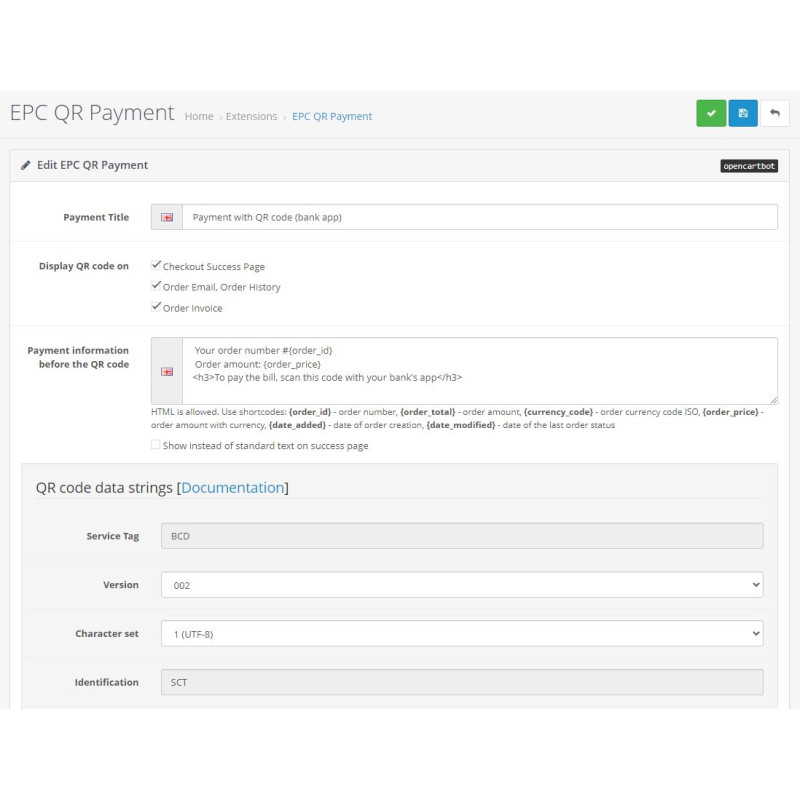
Multi-Touchpoint QR Display: Dynamically renders the payment QR code across the successful checkout page, customer order history, order confirmation emails, PDF invoices, and the admin order view.
-
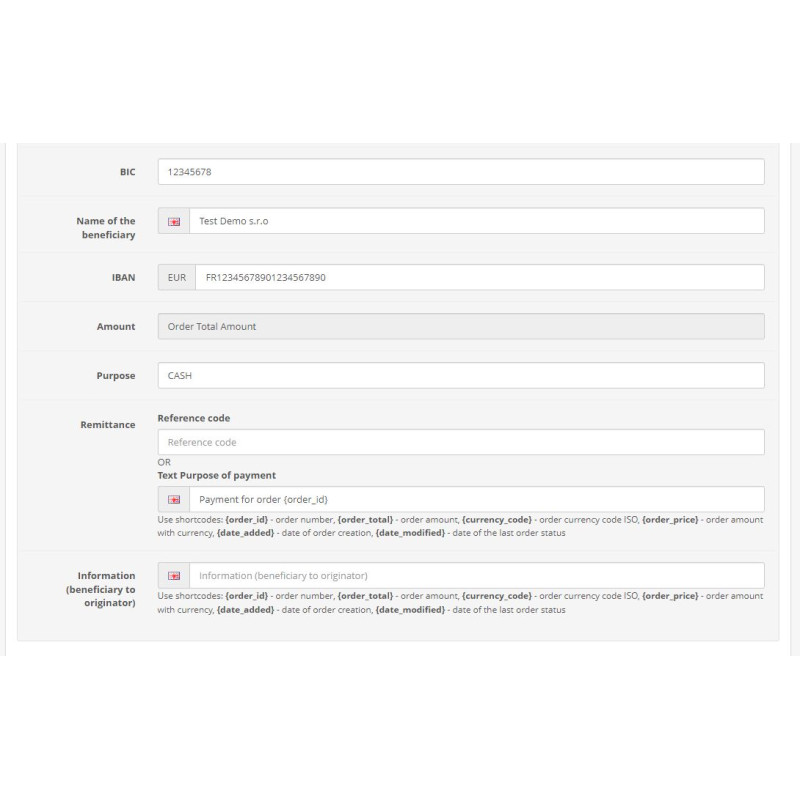
SEPA Purpose Code Support: Includes dedicated configuration fields to assign mandatory 4-character SEPA business category purpose codes.
Technical & Integration Specifications
Technical Details
Standard: European Payments Council Quick Response Code (SCT)
Compatible Banks: Revolut, N26, Bunq, Sparkasse, ING, BNP Paribas & EU SEPA Banking Apps
Integration Type: OpenCart Native Payment Gateway Extension
Supported Currencies: EUR (Euro zone standard)
SEPA Compliance Tip: Ensure you enter a valid 4-character SEPA purpose code (such as GDDS for general purchase of goods or SCVE for services) during module setup to guarantee smooth automated processing by European banking systems.
Installation Guide
-
Upload Extension Package
Navigate to Extensions → Install in your OpenCart administration dashboard and upload the extension package.
-
Refresh Modification Cache
Go to Extensions → Modifications and click the blue Refresh button in the top right corner.
-
Purge Developer Template Cache
Open the main Dashboard, click the gear icon to open Developer Settings, and clear the Template Cache.
-
Enable Payment Module
Navigate to Extensions → Extensions → Payments, locate EPC QR Code Payment, and click Install.
-
Configure Banking Details & Purpose Code
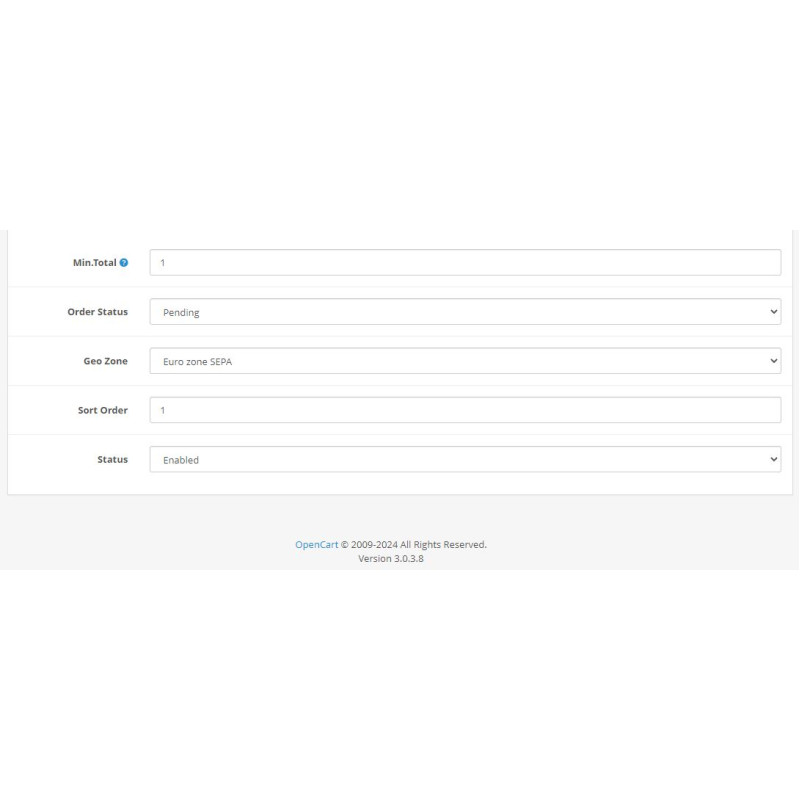
Click Edit on the module. Enable module status, enter your store's IBAN, BIC, beneficiary name, and input the required 4-character business category code into the Purpose field before saving.
-
Verify Checkout Flow
Place a test order using the EPC QR payment option to confirm that the QR code renders correctly on the success page and order confirmation email.