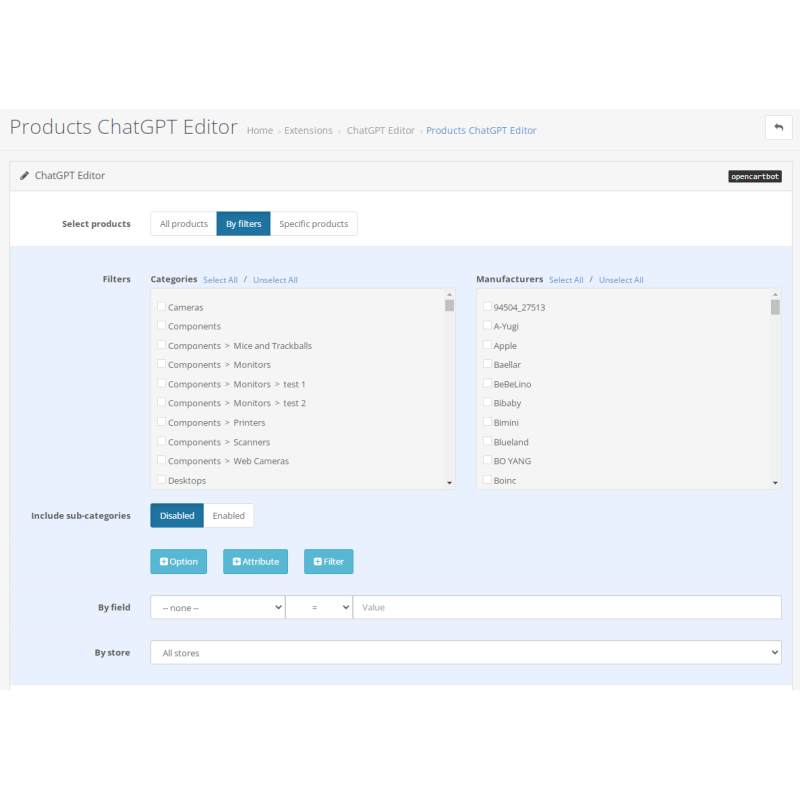
Bulk Text Generation using ChatGPT for OpenCart
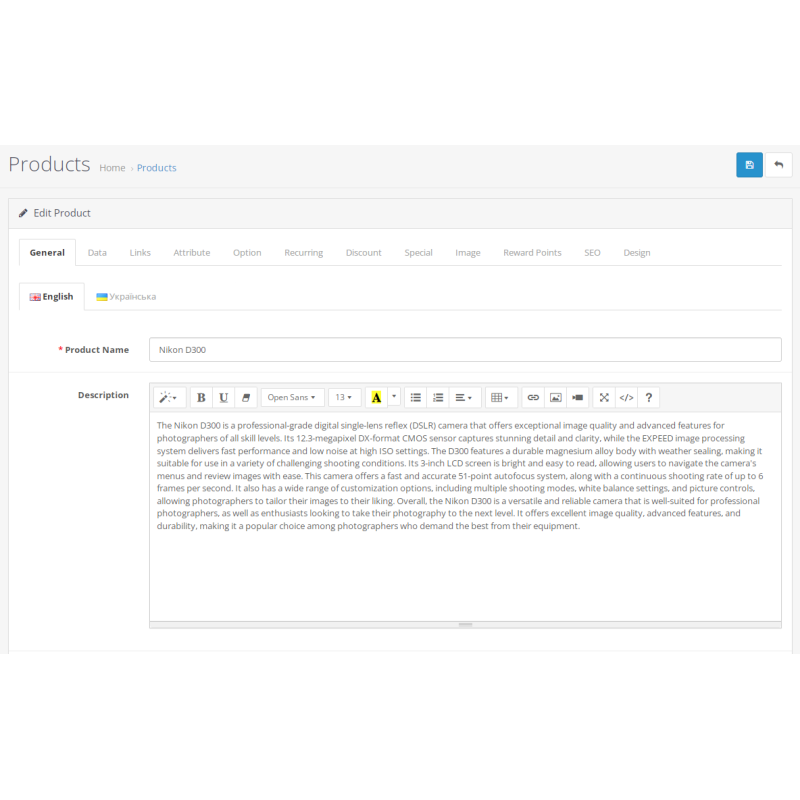
Engineered by Dev Global Solutions, this ChatGPT integration connects OpenCart directly to OpenAI's API models. It automates catalog content creation by generating high-quality product descriptions, category summaries, and manufacturer bios in bulk via custom prompts and fine-tuned generation rules.
Key Features & Optimization Capabilities
-
Automated Bulk Content Generation: Simultaneously create or enrich text content across thousands of products, categories, or manufacturers to rapidly scale your e-commerce catalog.
-
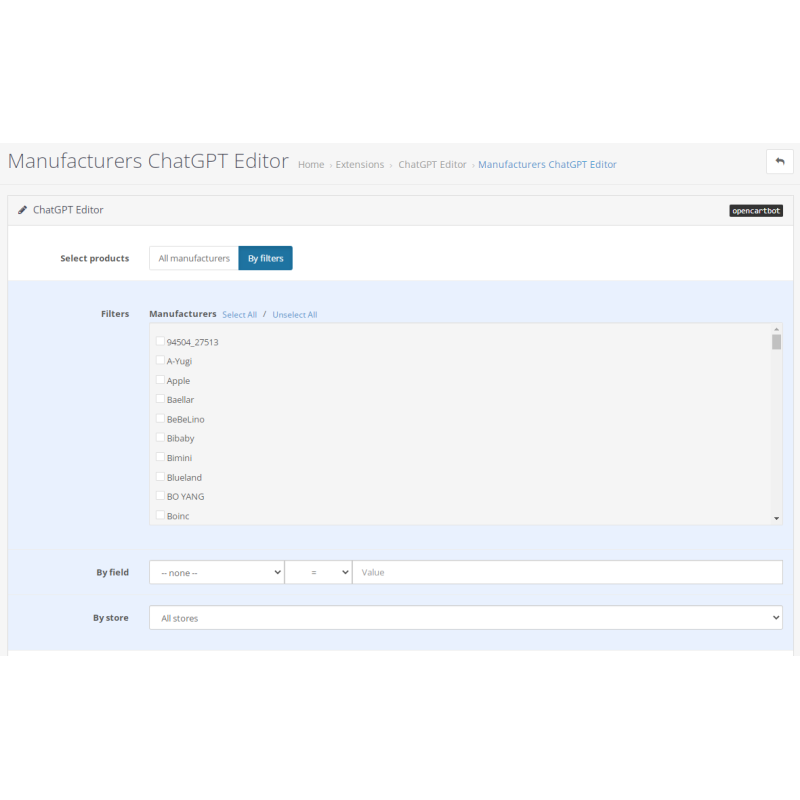
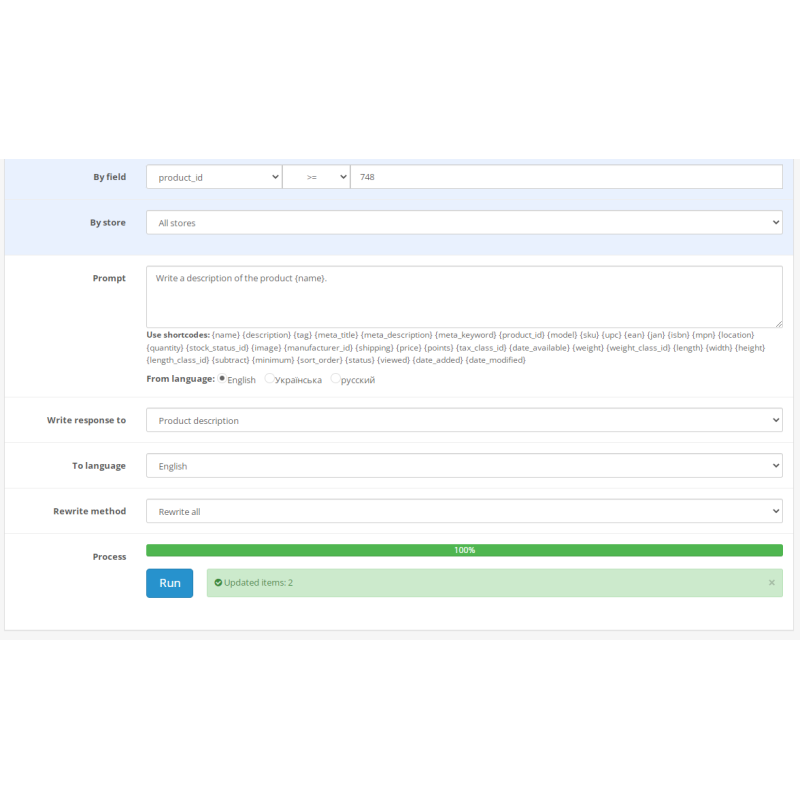
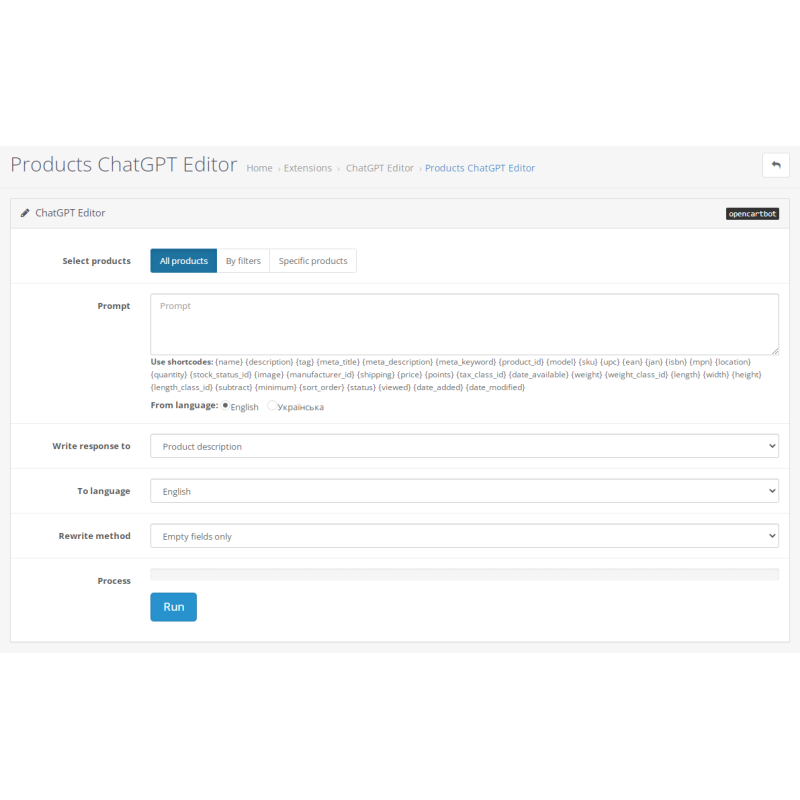
Granular Filtering & Field Mapping: Select target entities precisely using advanced catalog filters, and specify exact database destination fields for writing generated texts.
-
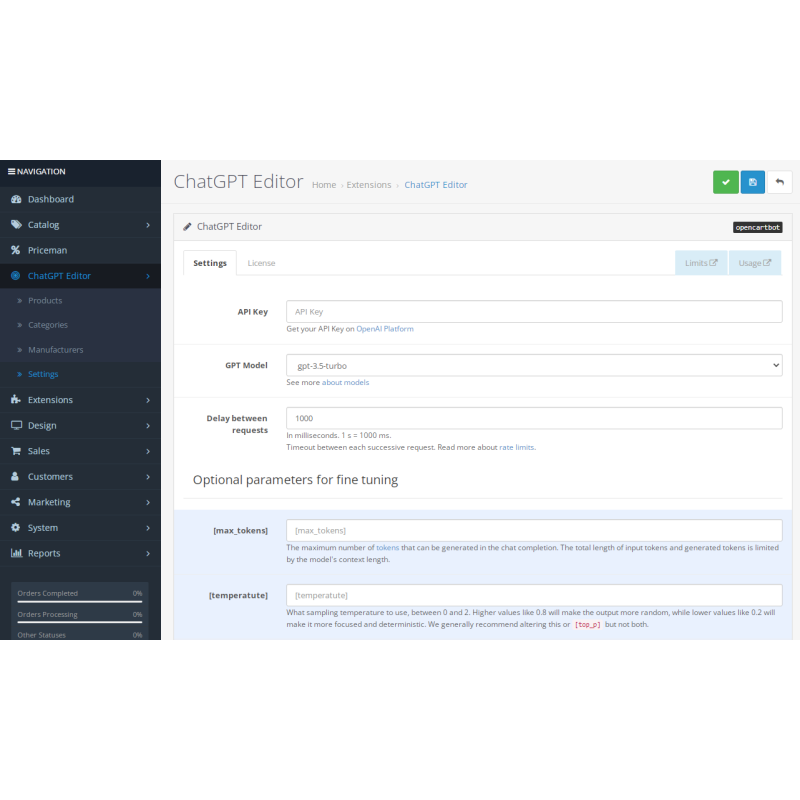
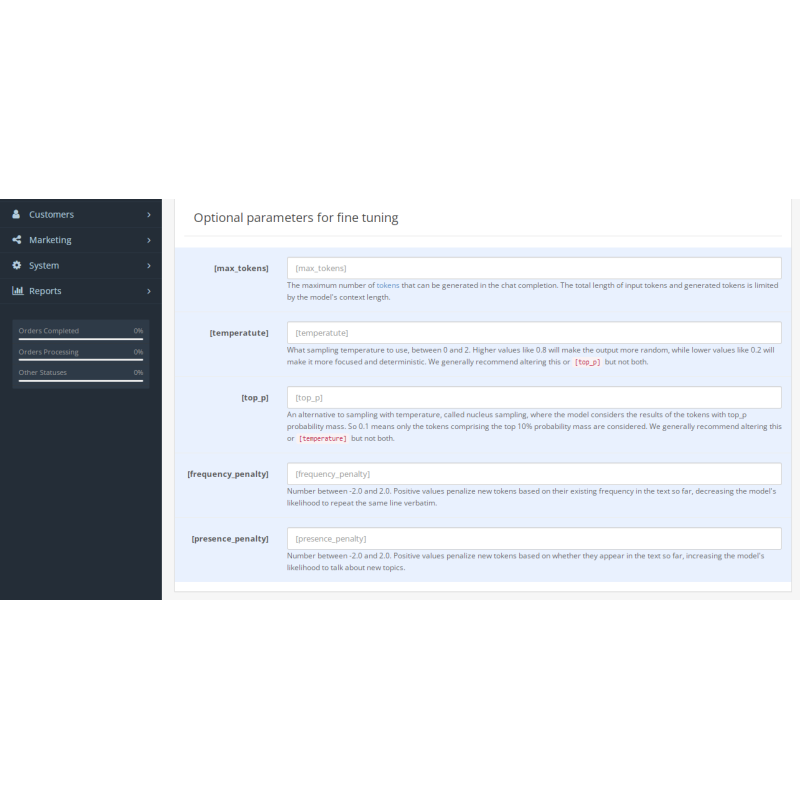
Model Selection & Fine-Tuning: Choose from available OpenAI GPT models (LLMs) and adjust temperature, token limits, and prompt templates to tailor content quality and tone to your brand.
-
Native Admin Control Center: Integrates directly into your OpenCart navigation menu, providing a standalone dashboard for executing bulk generation routines at any time.
-
Cost-Effective Automation: Leverages direct OpenAI API access, giving store owners economical, pay-as-you-go control over content generation costs.
Supported Content Processing Workflows
Target Entities & Mappings
Products: Descriptions, Short Details, Meta Descriptions, Feature Summaries
Categories & Brands: Category Landing Copy, Brand Overviews, SEO Content Blocks
Requirements: Operation requires an active OpenAI API key with a funded platform balance. Crafting customized, detailed prompt templates ensures the highest content accuracy and brand alignment.
Installation Guide
-
Upload Package
Navigate to Extensions → Installer in your OpenCart admin dashboard and upload the .ocmod.zip package file.
-
Refresh Modification Cache
Go to Extensions → Modifications and click the blue Refresh button in the top right corner.
-
Clear Template Cache
Go to the main Dashboard, open Developer Settings (gear icon), and clear the Template Cache (for OpenCart 3).
-
Enable Module
Navigate to Extensions → Extensions → Modules, locate ChatGPT Editor, and click Install.
-
Configure API Credentials & Preferences
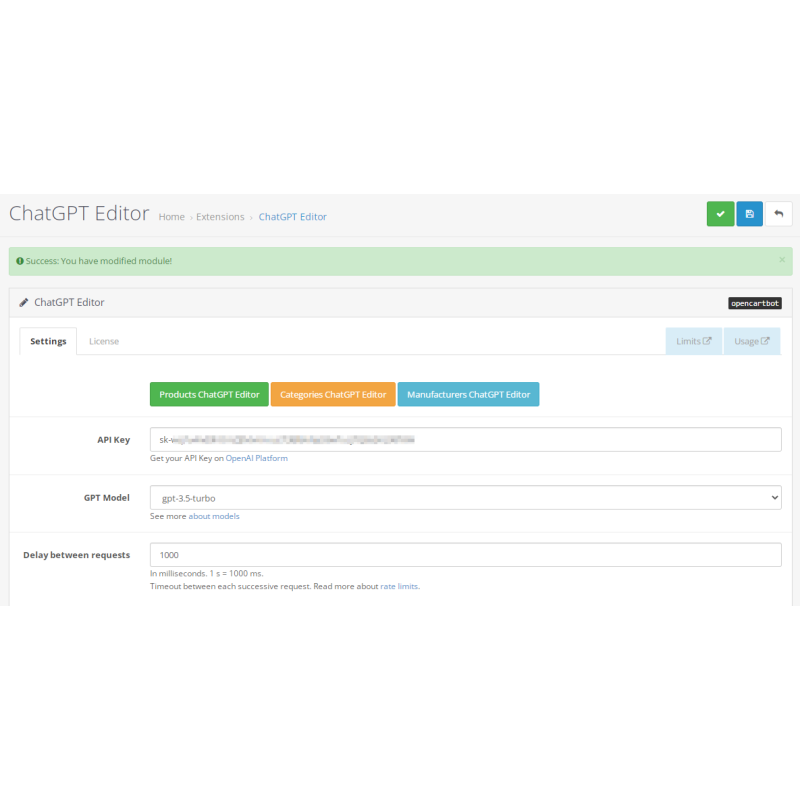
Click Edit on the module. Enable module status, paste your OpenAI API key, select your target GPT model, set default generation parameters, and save your settings.
-
Execute Content Tasks
Access the ChatGPT Editor tool via your admin menu, set your entity filters and prompt templates, then run your bulk text generation task.