Advanced Weight & Net Mass Display Settings for OpenCart
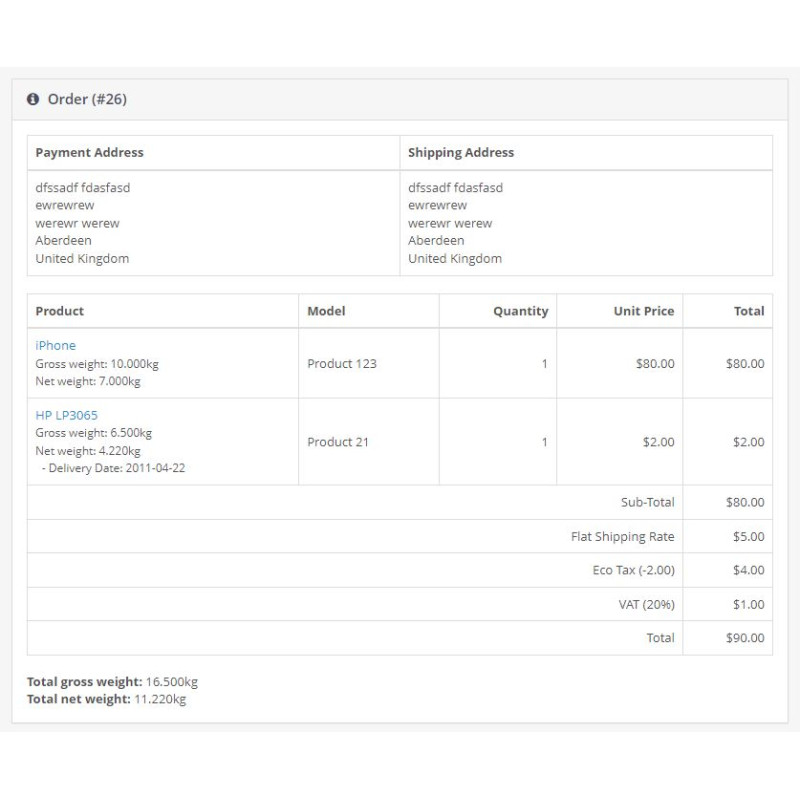
Engineered by Dev Global Solutions, the Advanced Weight Settings module provides comprehensive control over how mass metrics are handled and displayed throughout your store. Expand OpenCart’s default capabilities by separating product net weight from shipping gross weight and displaying individual item weights or total order mass across key customer touchpoints and admin panels.
Key Features & Capabilities
-
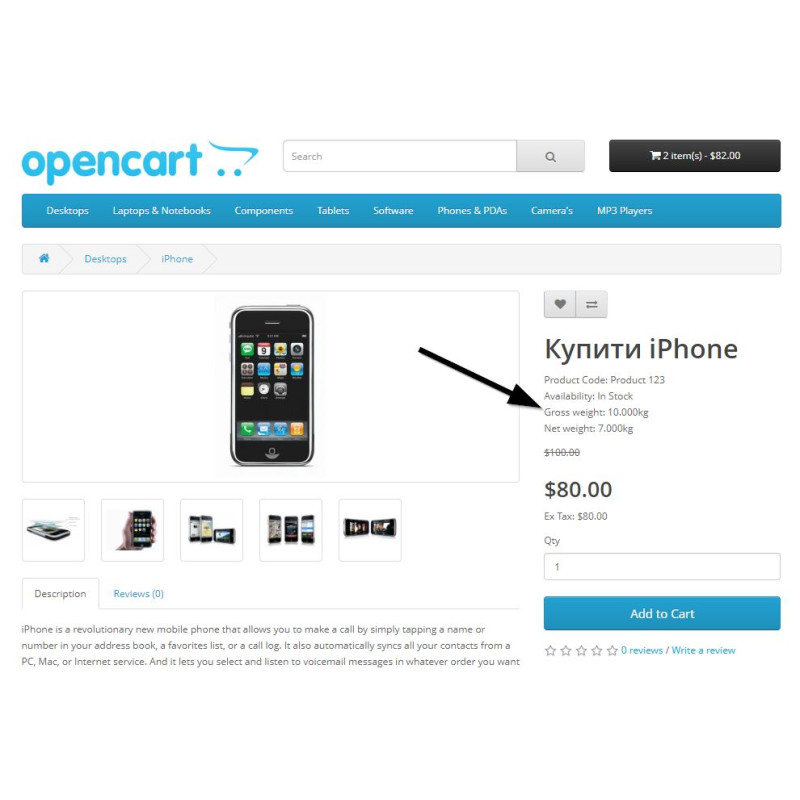
Dedicated Net Mass Field: Adds a separate "Net Weight" field to the product editor. While default OpenCart features a single field (gross weight for shipping calculations), this module lets you clearly indicate actual net mass—helping customers evaluate exact product quantity excluding packaging.
-
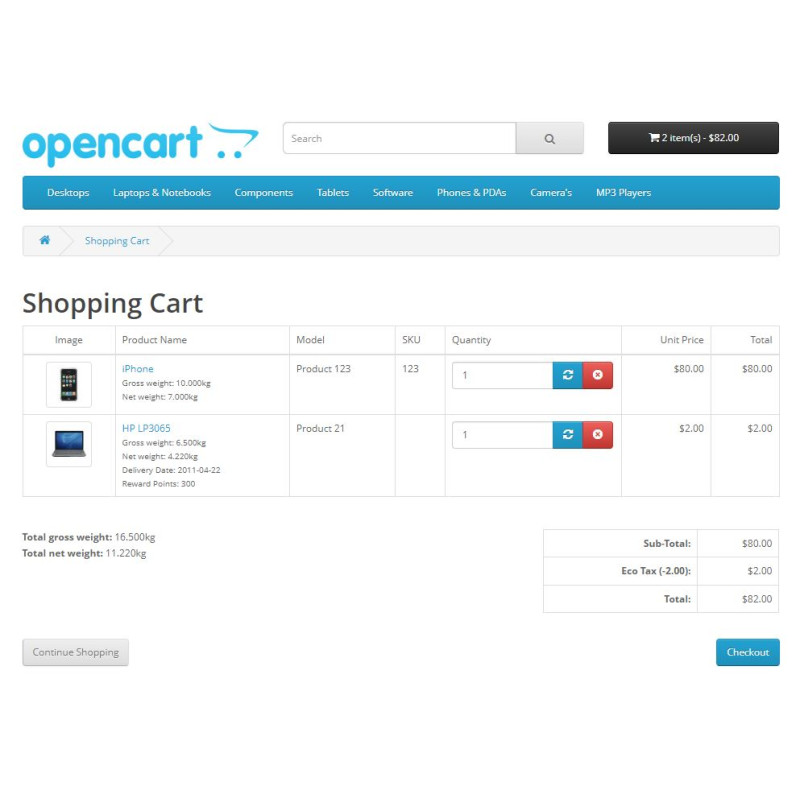
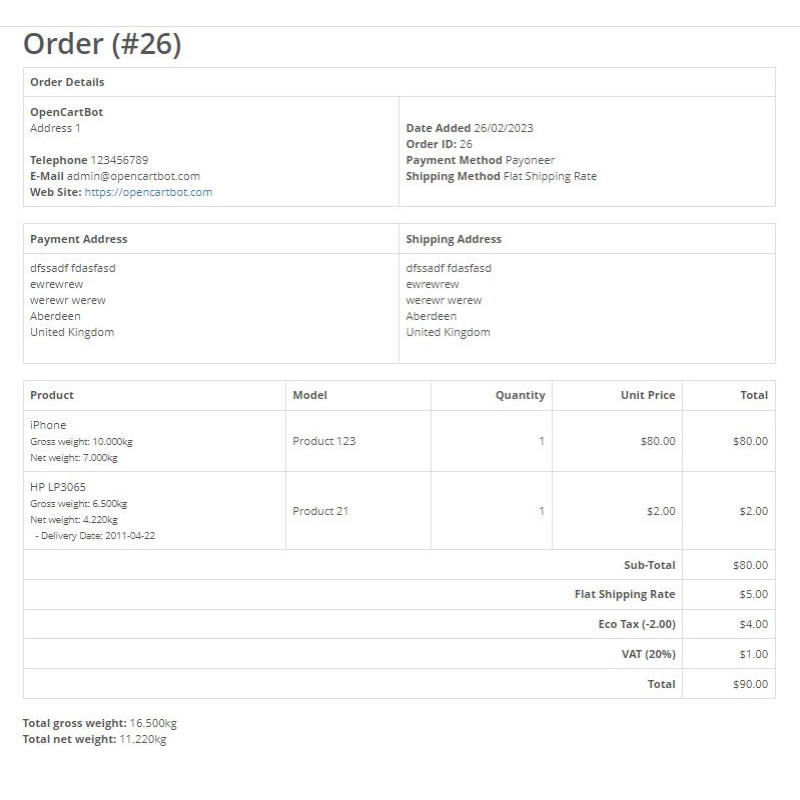
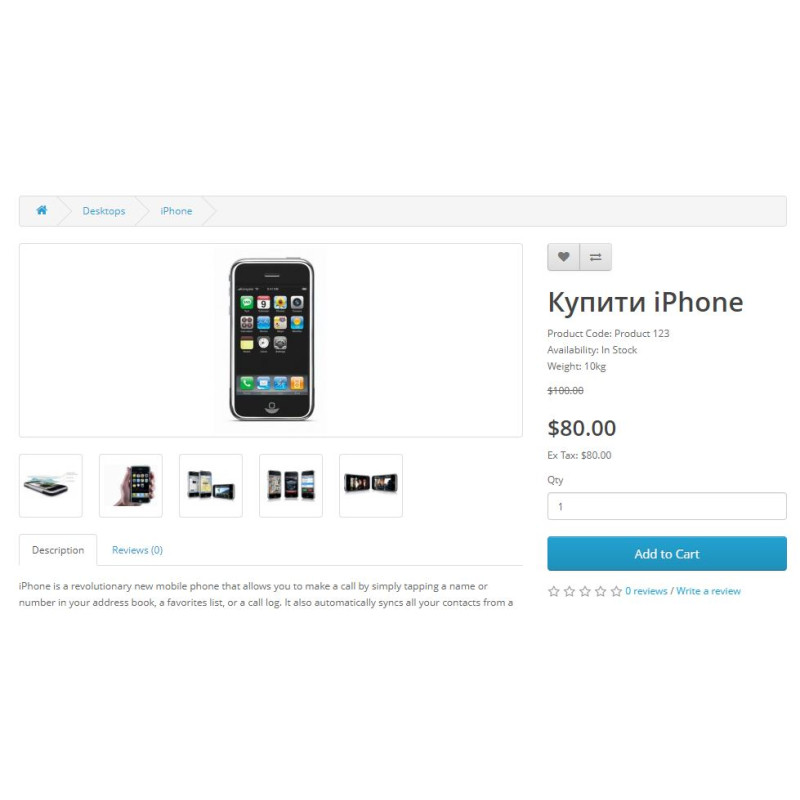
Dual or Single Mass Output: Choose whether to render only the default weight or display both net and gross weights simultaneously on product pages, shopping carts, and invoices.
-
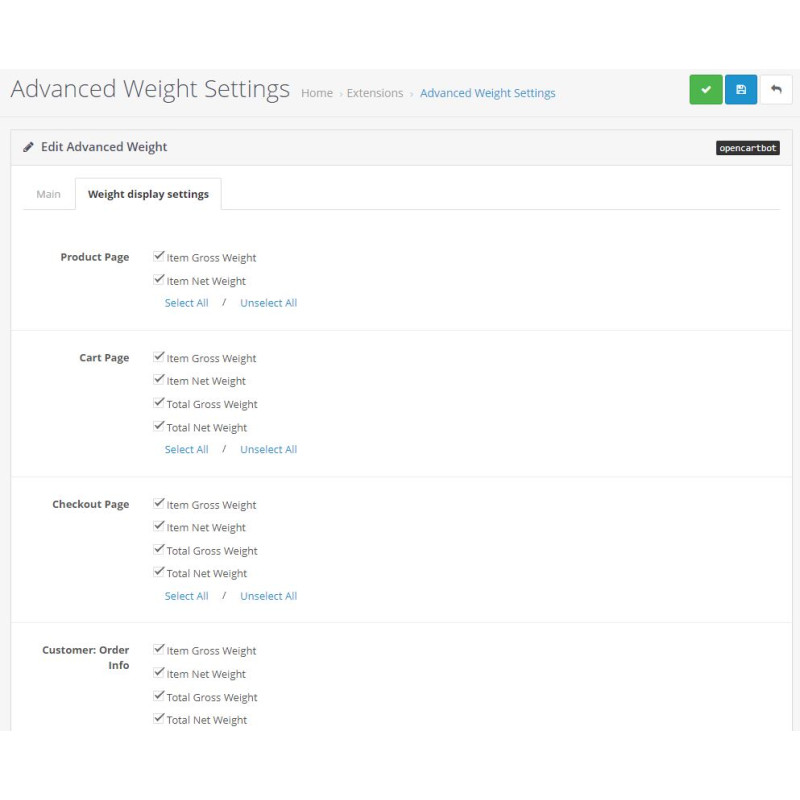
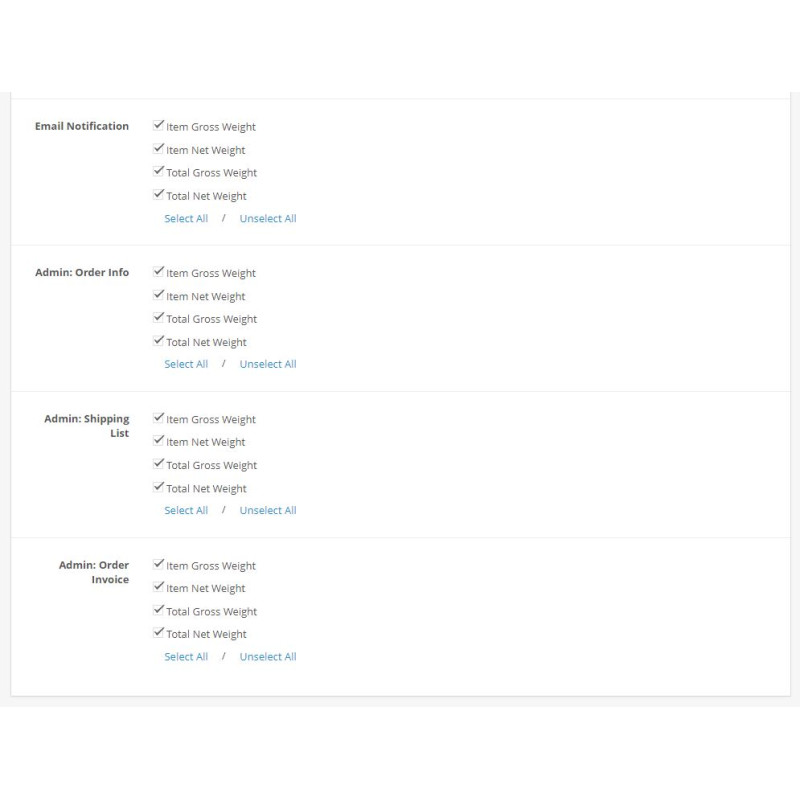
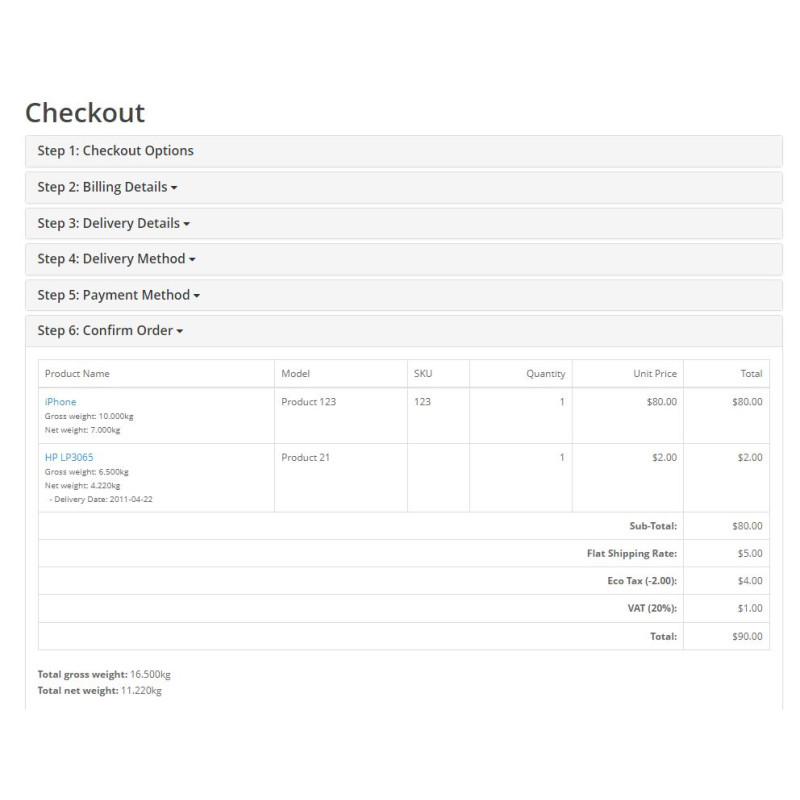
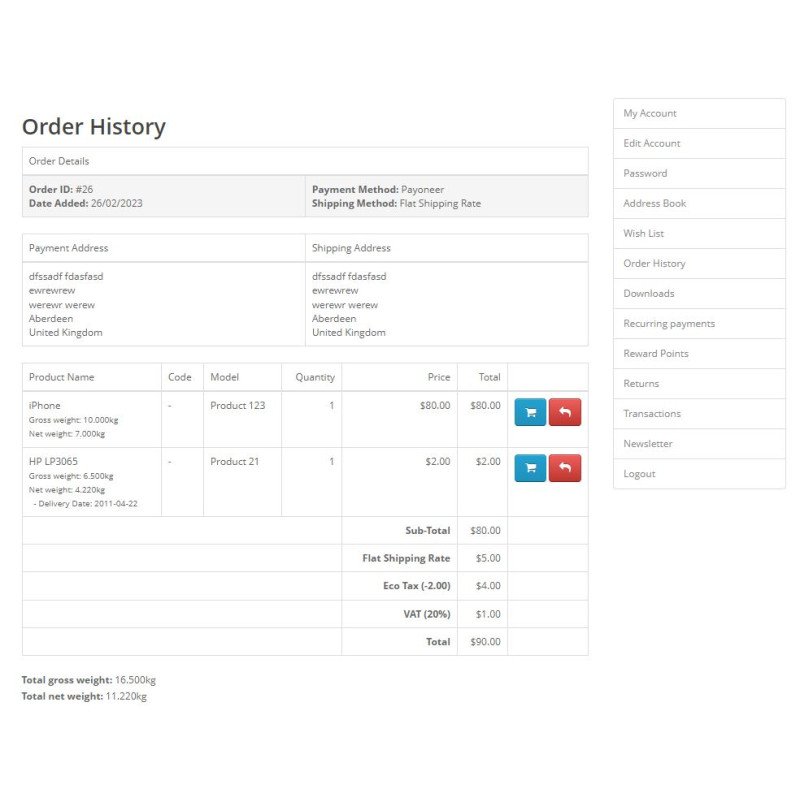
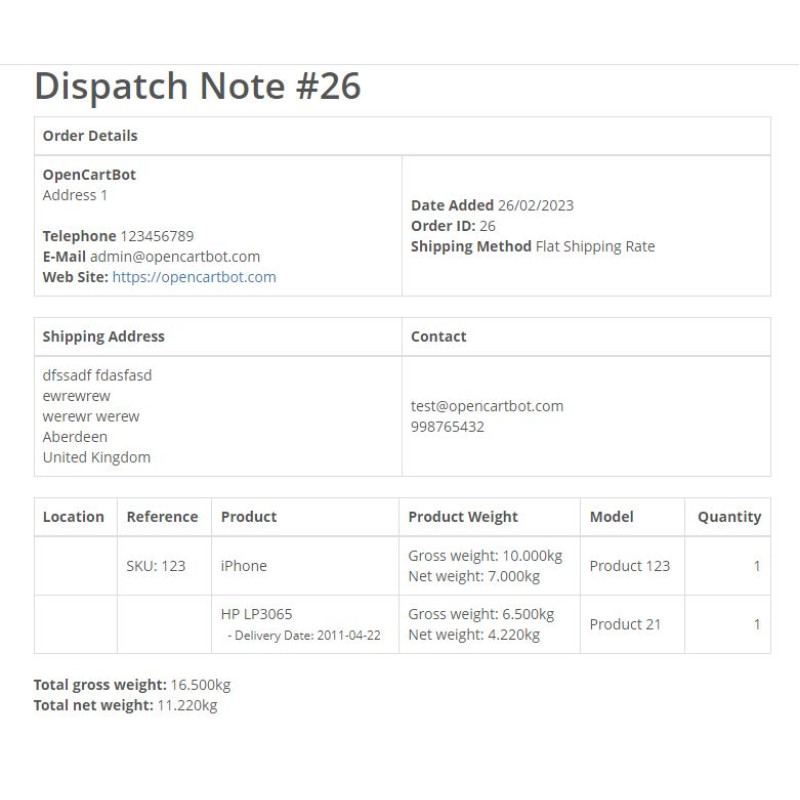
Multi-Page Display Visibility: Independently configure weight visibility for product pages, cart items, checkout screens, customer account order history, transactional emails, admin order details, printable invoices, and shipping notes.
-
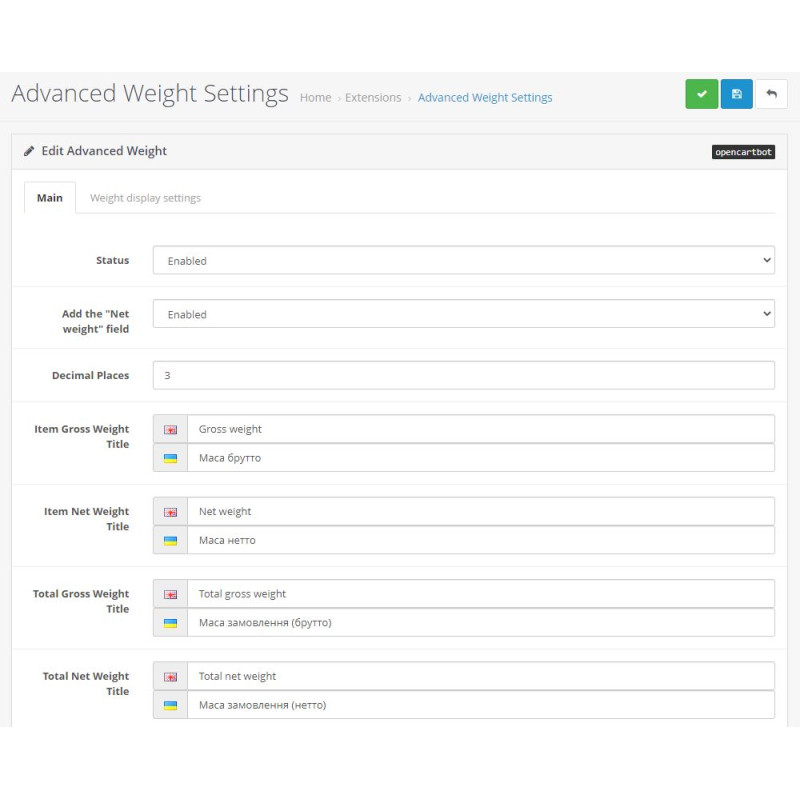
Custom Decimal Precision: Overcome OpenCart’s rigid 2-decimal limit. Set custom precision rules—such as 0 for whole integers or 3 for precise metric measurements (e.g., kilograms/grams).
-
Automatic Unit Conversion: Enter values using preferred measurement units while ensuring customers always see formatted values mapped to your store's default primary weight class.
Note: This extension calculates weights based on primary product fields and does not compute weights assigned to individual product option selections.
Installation Guide
-
Upload Extension Package
Navigate to Extensions → Installer in your OpenCart admin dashboard and upload the .ocmod.zip package file.
-
Refresh Modification Cache
Go to Extensions → Modifications and click the blue Refresh button in the upper right corner.
-
Clear Developer Template Cache
Open the main Dashboard, access Developer Settings (gear icon), and refresh the Template Cache.
-
Enable Module
Navigate to Extensions → Extensions → Modules, locate Advanced Weight Settings, and click Install.
-
Configure & Test
Click Edit on the module, set the status to Enabled, adjust display pages and decimal precision preferences, and save settings.