Add Product to Cart by External Link for OpenCart
Engineered by Dev Global Solutions, this extension enables instant item additions to the OpenCart shopping cart via direct URL parameters. Share dynamic URLs on external channels—such as social networks, marketing campaigns, partner blogs, or satellite networks—and automatically load products into a customer's cart upon clicking.
Key Features & Use Cases
-
Flexible Product Identification: Target products seamlessly using standard identifiers, including Product ID, Model, or SKU.
-
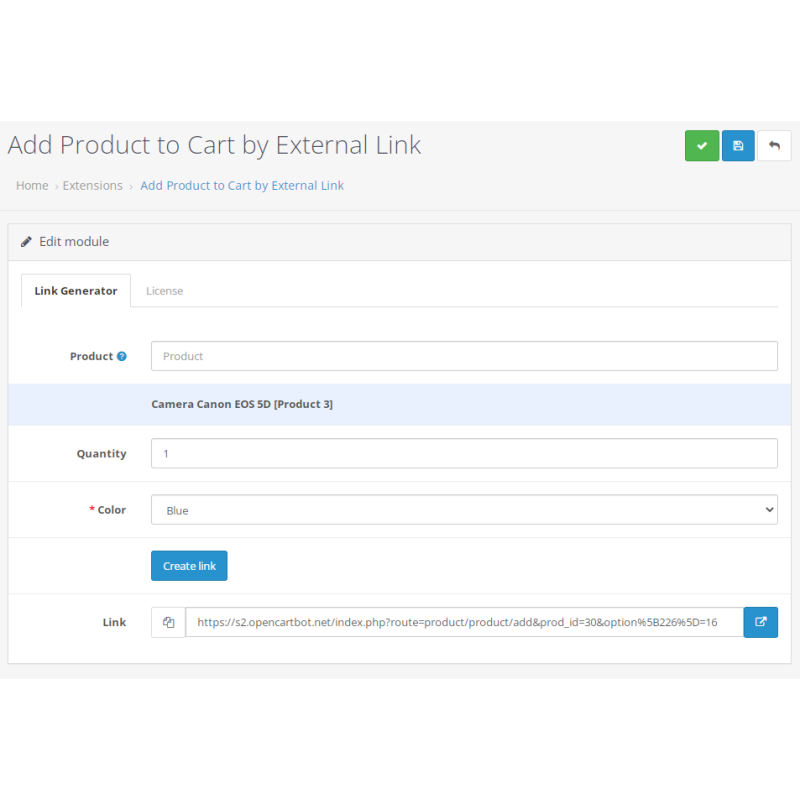
Options & Quantities: Pre-select specific product options (such as color or size) and define exact target quantities directly within the link structure.
-
Google Merchant Integration: Fully supports Google Merchant's [checkout_link_template] attribute, directing traffic from Google Shopping ads straight to an active checkout page.
-
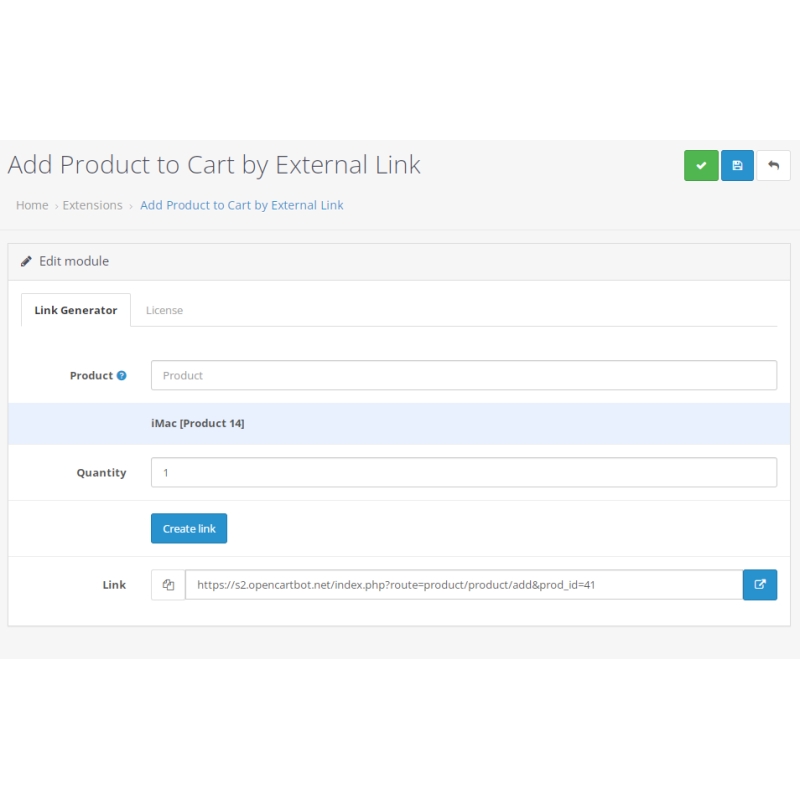
Built-in Link Generator: Includes a dedicated admin panel dashboard to quickly configure items, options, and quantities, automatically generating ready-to-use marketing URLs.
URL Structure Syntax
By Product ID
https://site.com/index.php?route=product/product/add&prod_id=40
By Product Model
https://site.com/index.php?route=product/product/add&model=ABS1983
By Product SKU
https://site.com/index.php?route=product/product/add&sku=7536323452
With Quantity Parameter
https://site.com/index.php?route=product/product/add&prod_id=40&quantity=3
With Option Selection
https://site.com/index.php?route=product/product/add&prod_id=30&option[226]=16
Installation Guide
-
Upload Package
Go to Extensions → Installer in your OpenCart dashboard and upload the .ocmod.zip archive.
-
Refresh Modification Cache
Navigate to Extensions → Modifications and click the blue Refresh icon to apply code changes.
-
Enable Module
Navigate to Extensions → Extensions → Modules, locate "Add Product to Cart by External Link", and click Install.
-
Configure & Generate Links
Open the extension settings, activate your license key, set the status to Enabled, and save. Access the newly unlocked Link Generator tab to construct dynamic URLs.
-
Test External Redirects
Paste a generated URL into a fresh browser tab to verify automated cart loading and option pre-selection.