JSON-LD Graph Structured Data for OpenCart
Engineered by Dev Global Solutions, this SEO Graph extension provides a complete, Google-recommended JSON-LD Graph microdata architecture for OpenCart. By encapsulating all entity relationships inside a single interconnected code block, search engines easily interpret store hierarchy, product specs, reviews, and business details to generate enhanced rich snippets in search results.
Key Features & Optimization Capabilities
-
Google-Recommended JSON-LD Graphing: Combines site entities into a unified JSON-LD graph block to give web crawlers a precise map of relationships across your store.
-
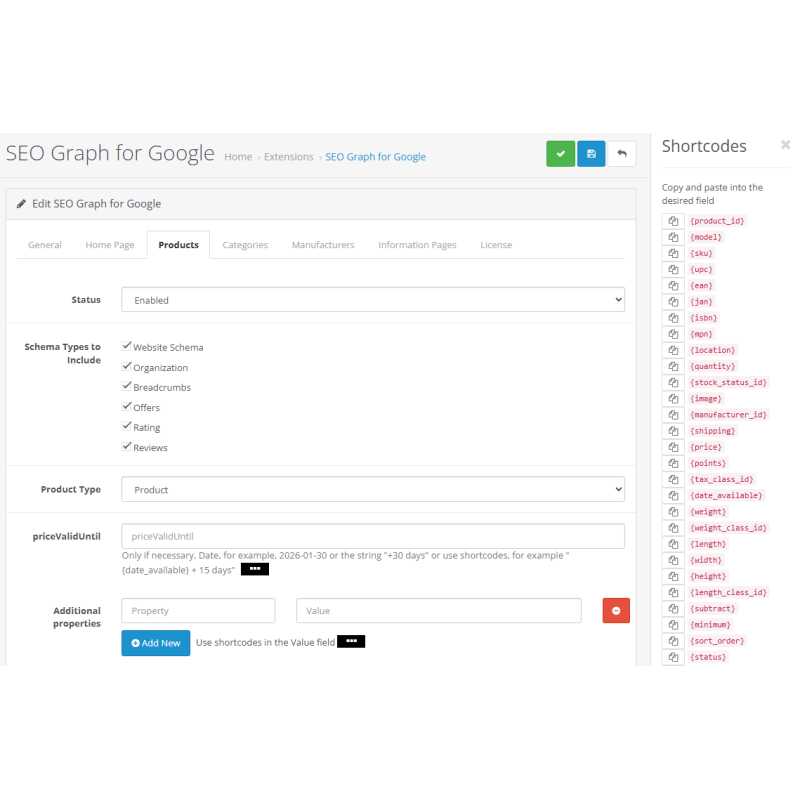
Automated Storefront Mapping: Dynamically extracts product pricing, stock availability, review scores, images, and breadcrumbs straight from OpenCart settings without manual data entry.
-
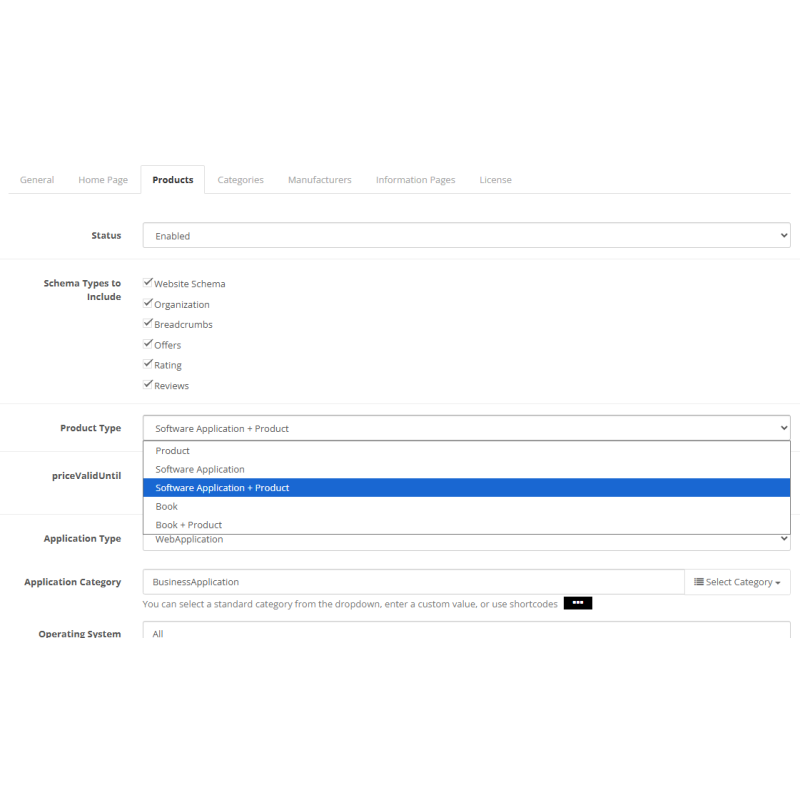
Specialized Product Schemas: Supports specialized schemas tailored for digital downloads, software products, and books, including combinations like SoftwareApplication + Product or Book + Product.
-
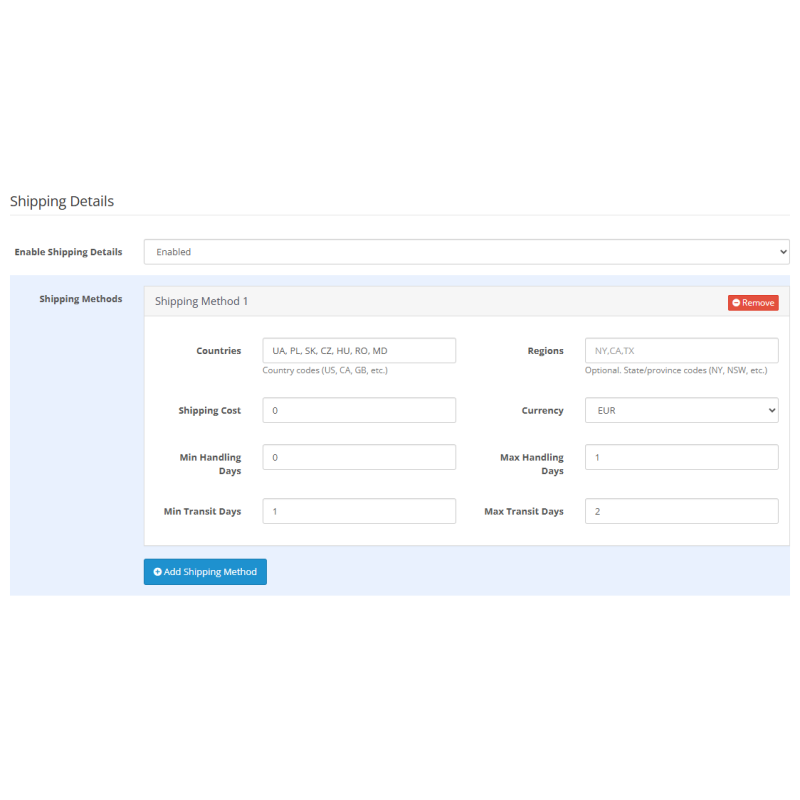
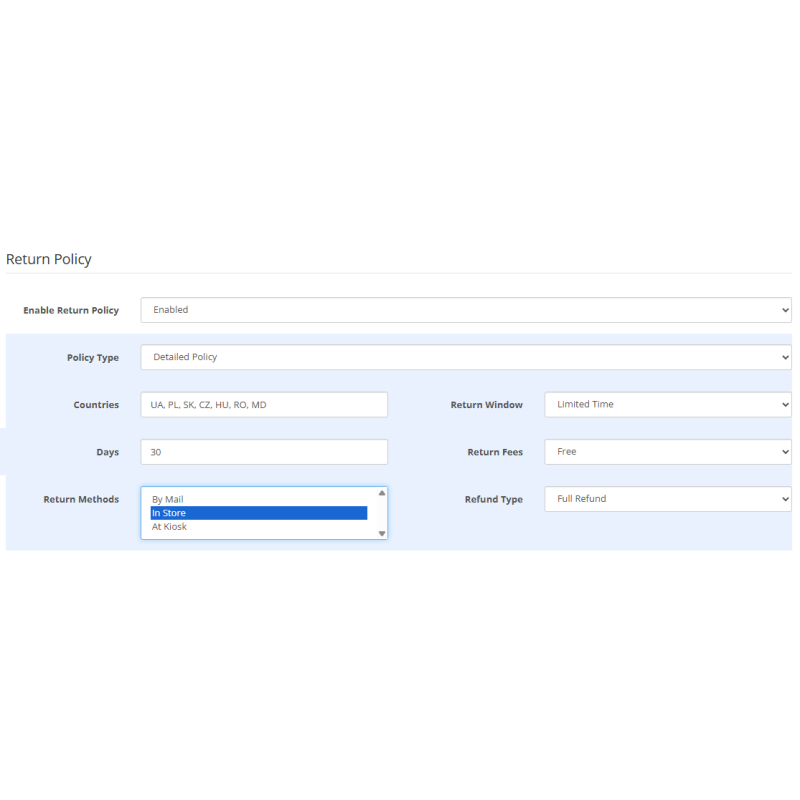
Merchant & Logistics Rich Snippets: Includes explicit MerchantReturnPolicy and ShippingDetails schemas to meet modern Google Merchant Center standards.
-
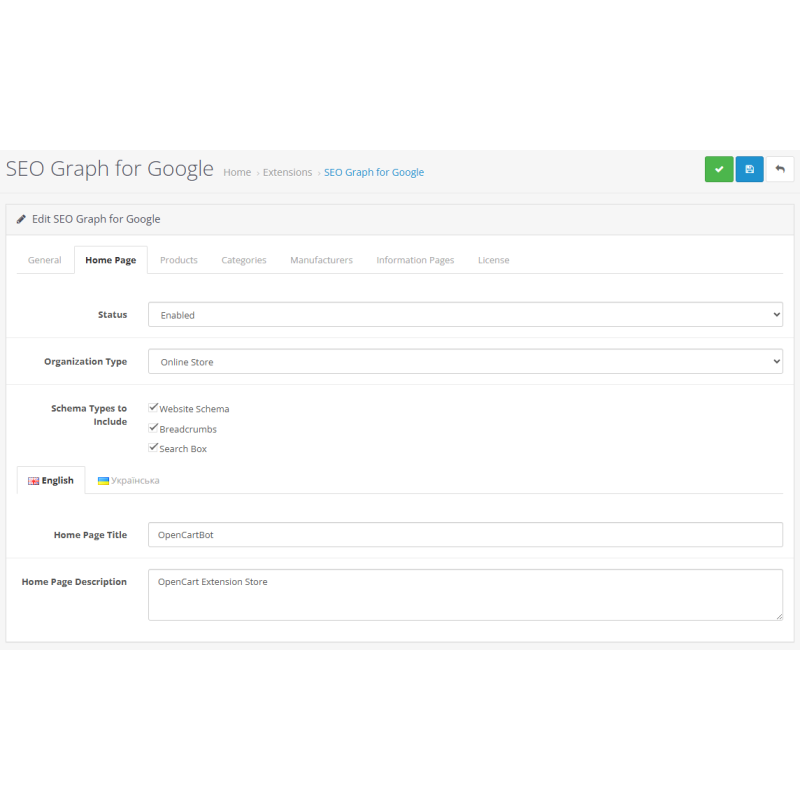
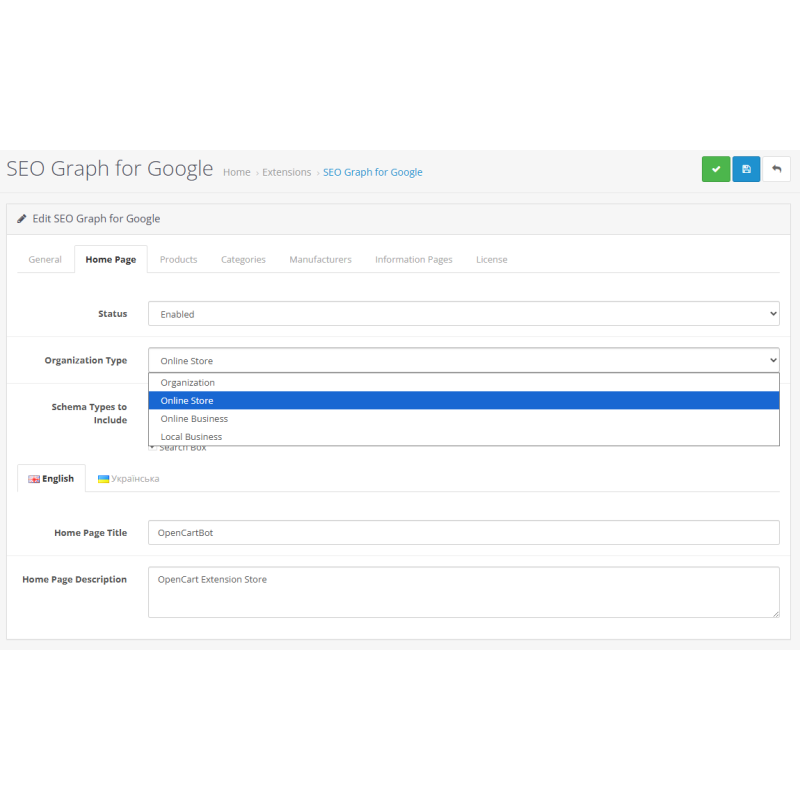
Flexible Business Profiling: Select your exact business model (Organization, OnlineStore, OnlineBusiness, or LocalBusiness) and configure opening hours, tax IDs, NAICS codes, ISO 6523 IDs, and social links.
-
Open Graph Social Integration: Generates Open Graph meta tags automatically to format rich media previews when links are shared across social networks and messaging apps.
Supported Schema Entities
Organization Entities
Organization, OnlineStore, OnlineBusiness, LocalBusiness
Catalog & Product Entities
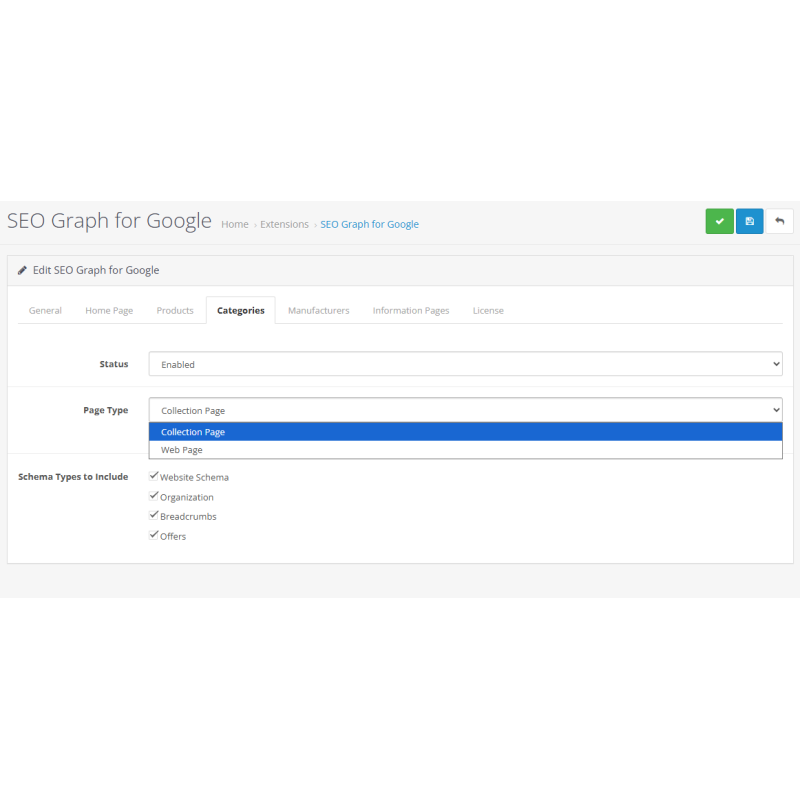
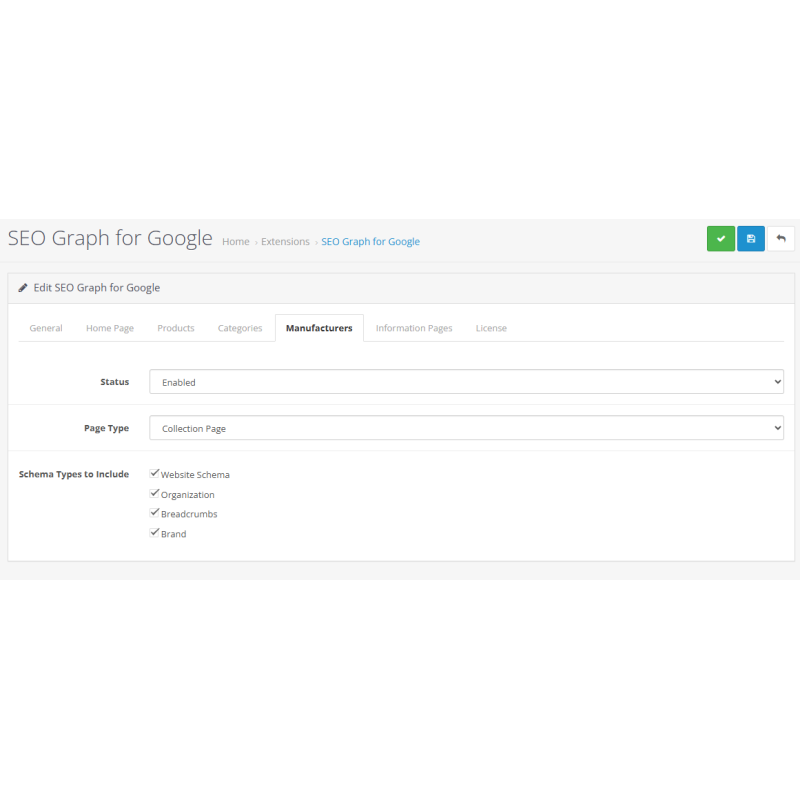
Listings: CollectionPage, WebPage
Product Types: Product, SoftwareApplication, SoftwareApplication + Product, Book, Book + Product
Core Microdata Elements
WebSite, WebPage, BreadcrumbList, Article, ContactPoint, Offers, AggregateRating, MerchantReturnPolicy, ShippingDetails
SEO Advantage: Utilizing structured JSON-LD graph data improves search visibility by helping search engines trigger rich snippets with ratings, pricing, and availability details.
Installation Guide
-
Upload Package
Navigate to Extensions → Installer in your OpenCart admin area and upload the .ocmod.zip package file.
-
Refresh Modification Cache
Go to Extensions → Modifications and click the blue Refresh button in the top right corner.
-
Clear Template Cache
Go to the main Dashboard, open Developer Settings (gear icon), and clear the Template Cache (for OpenCart 3).
-
Enable Module
Navigate to Extensions → Extensions → Modules, locate JSON-LD Graph Structured Data, and click Install.
-
Configure Store Settings & Save
Click Edit on the module. Enable module status, select your organization type, add company contact details, return policies, and shipping rules, then save your preferences.
-
Verify Markup
Test store links using Google's Rich Results Test tool to ensure all graph entities are recognized without errors.