Products on Google Maps for OpenCart
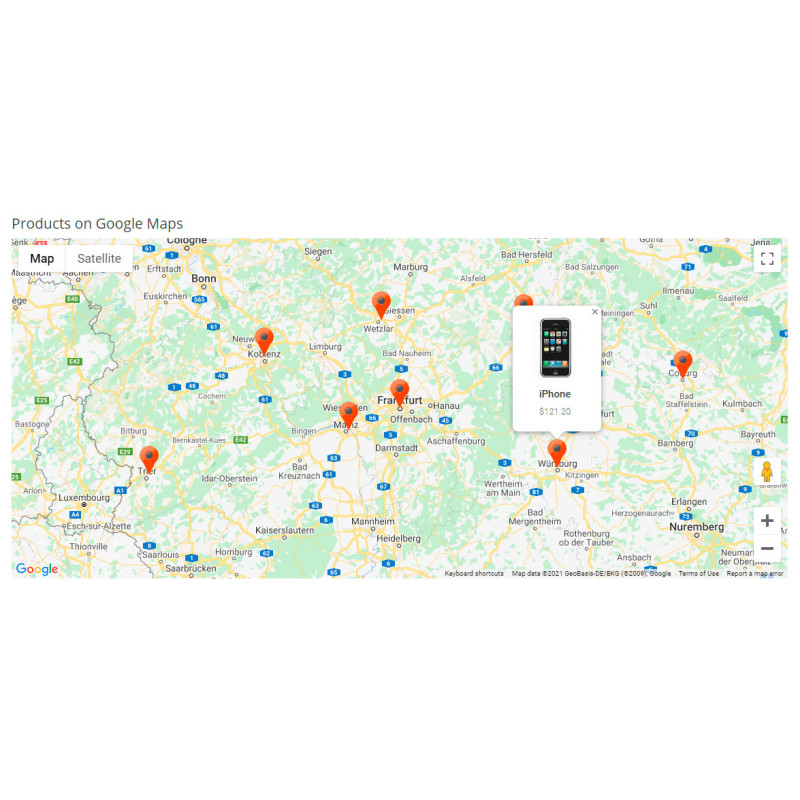
Developed by Dev Global Solutions, this module integrates interactive Google Maps into your OpenCart store. It enables store owners to assign geographic coordinates to individual products and render location maps directly on product pages or display a aggregated map showing all catalog items across any site layout—ideal for real estate listings, hotel bookings, rental assets, or localized services.
Key Capabilities & Functional Highlights
-
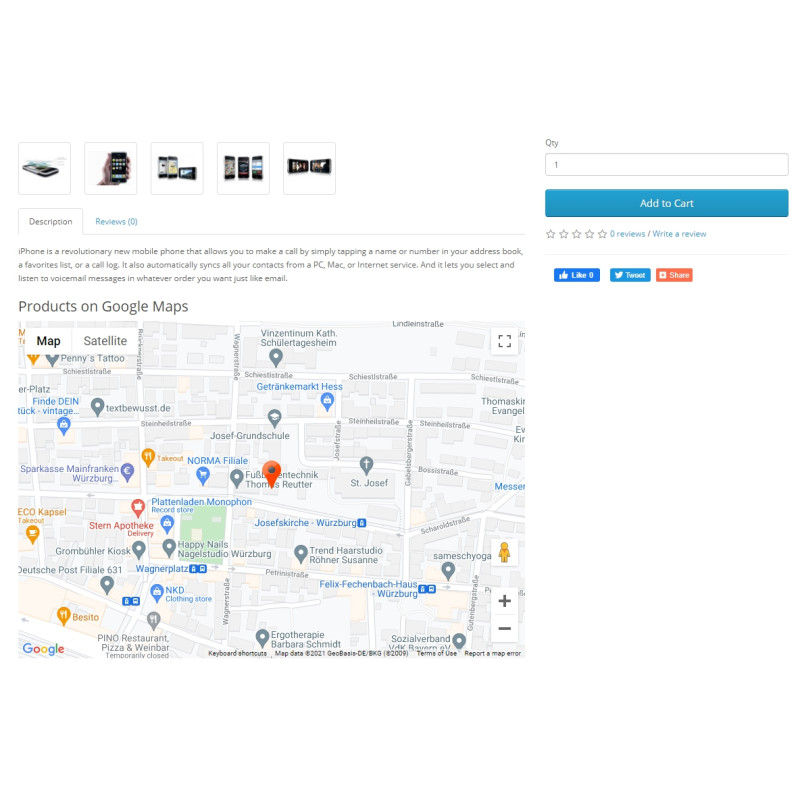
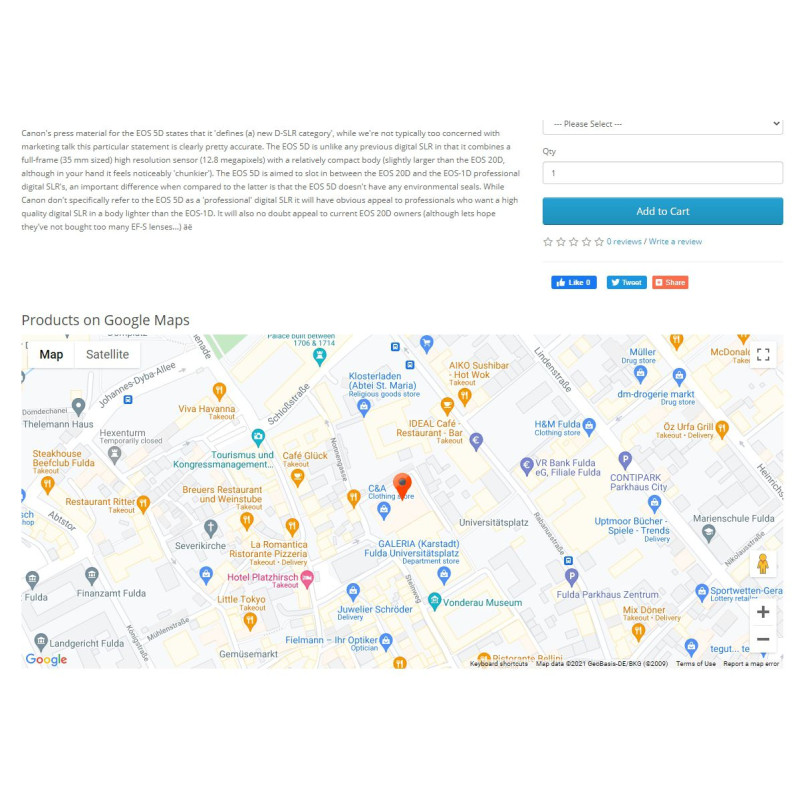
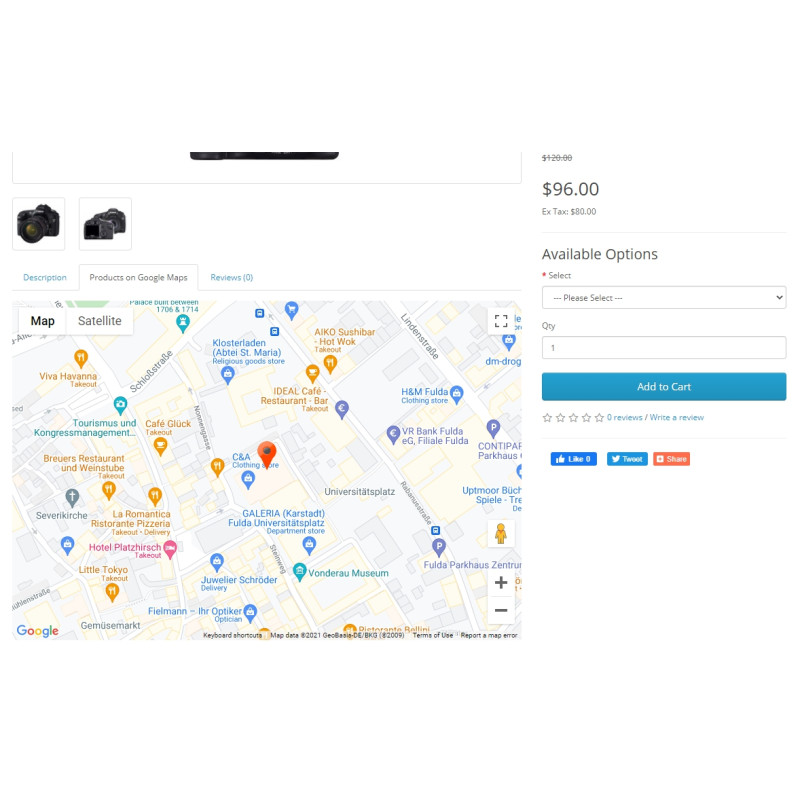
Individual & Global Map Views: Embed dedicated geotagged location maps on specific product pages, or deploy a consolidated interactive catalog map across custom OpenCart layouts.
-
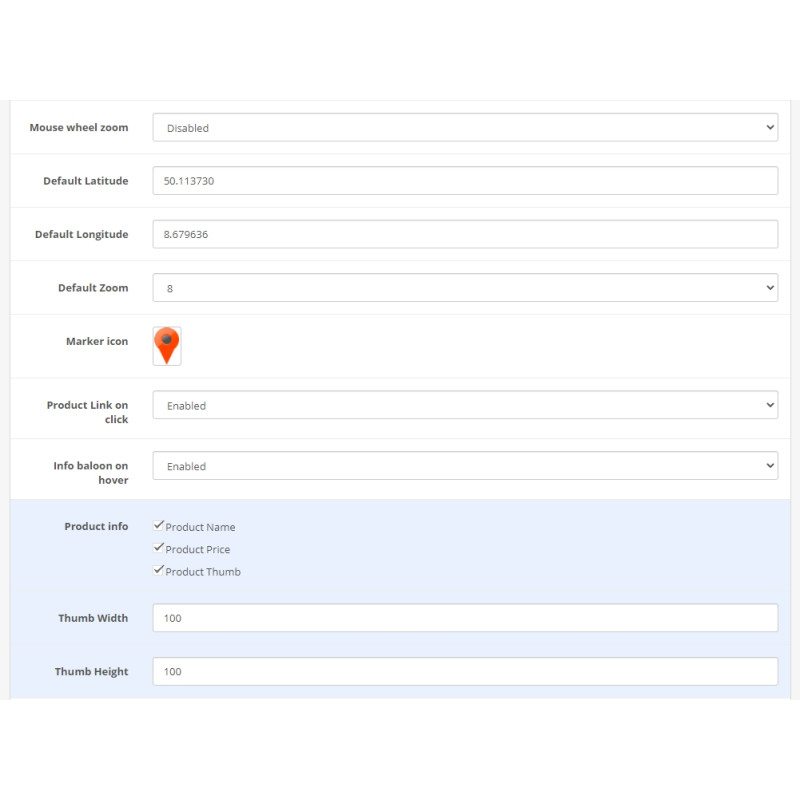
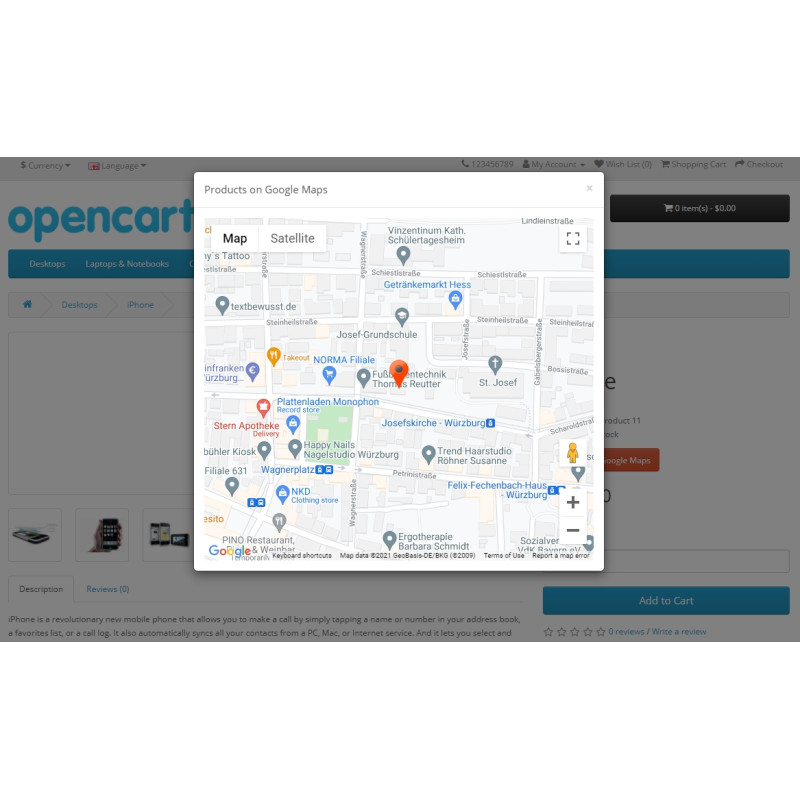
Interactive Pin Markers: Feature hover popups with product previews and direct link redirects to individual product pages upon pin interaction.
-
4 Map Rendering Modes: Choose between standard Roadmap, Terrain, Satellite, or Hybrid (Satellite with street overlays) views.
-
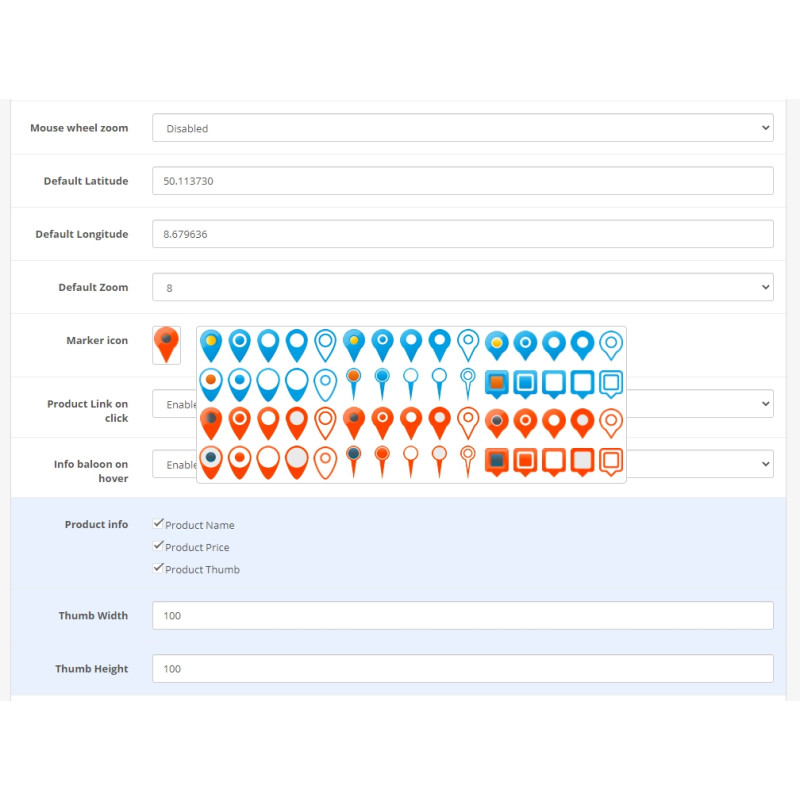
Marker Clustering & Custom Icons: Group nearby pins automatically using built-in marker clustering and select from over 30 custom marker icon designs.
-
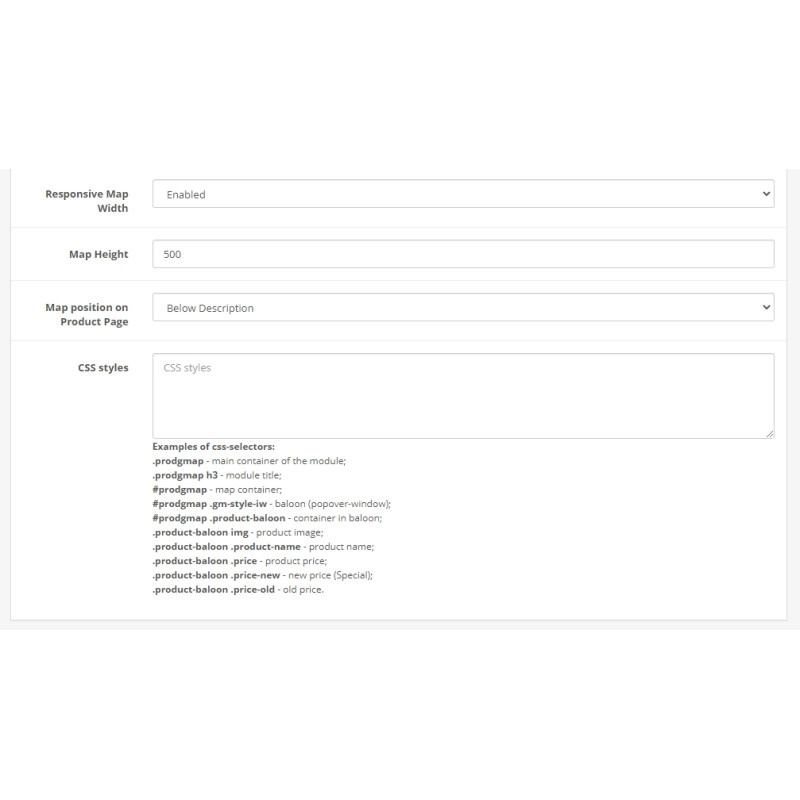
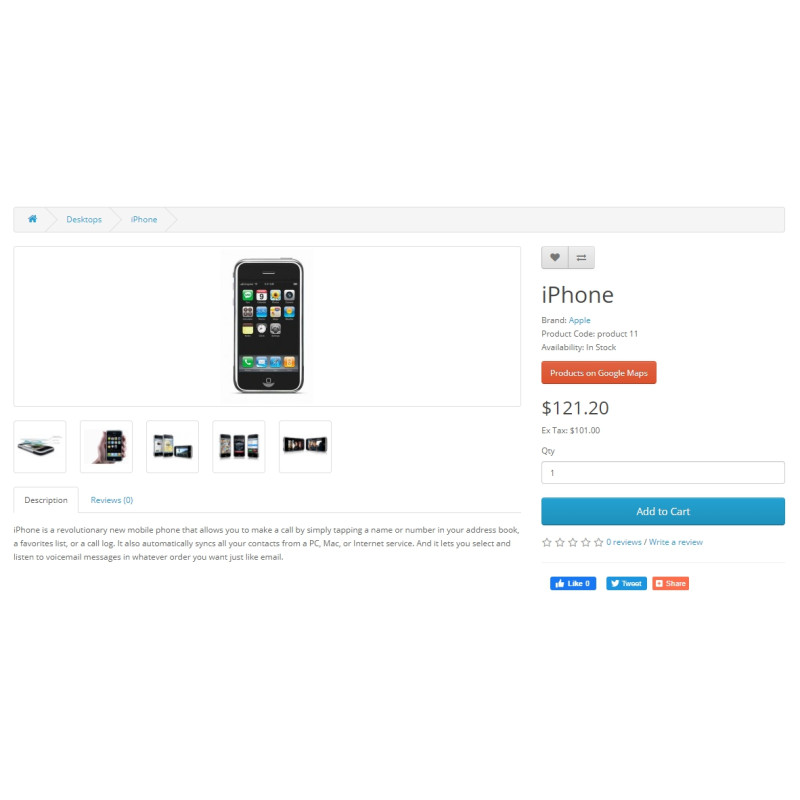
Flexible Layout Positioning: Position product maps across 5 distinct storefront locations: inside a dedicated tab, adjacent to the price block via a popup modal, before or after the description, or at the page footer.
-
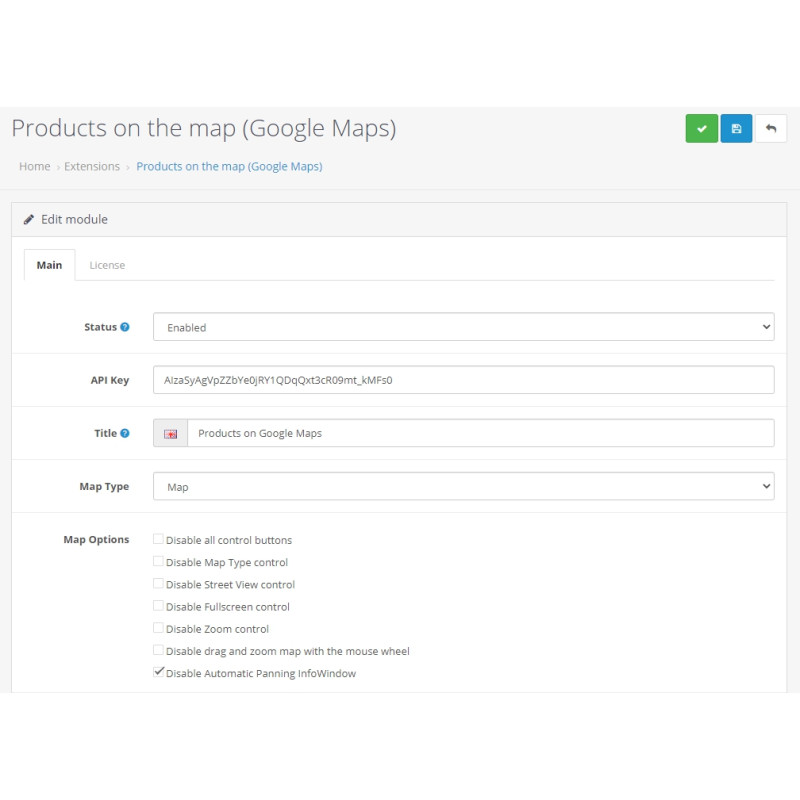
Customizable Control UI: Fully responsive container with toggles to enable or disable UI elements, including Street View, full-screen mode, zoom controls, and mouse wheel scaling.
Requirements: Operating this module requires a valid Google Maps Platform API Key configured with the JavaScript API service enabled within your Google Cloud Console. Compatible with OpenCart 2.3.x.x and 3.0.x.x.
Installation Guide
-
Obtain API Key
Register a project in the Google Maps Platform console and generate an API key with the JavaScript API enabled.
-
Upload Package
Navigate to Extensions → Installer in your OpenCart admin area and upload the .ocmod.zip file.
-
Refresh Modification Cache
Go to Extensions → Modifications and click the blue Refresh button in the top right corner.
-
Clear Template Cache
Access the main Dashboard, open Developer Settings (gear icon), and clear the Template Cache.
-
Enable & Configure Extension
Navigate to Extensions → Extensions → Modules, enable Products on Google Maps, enter your API key, select marker icons, and save your preferences.
-
Set Product Coordinates & Layouts
Assign geographic positions within the new Location tab in product edit forms. To display a master map of all items, add the module block via Design → Layouts.