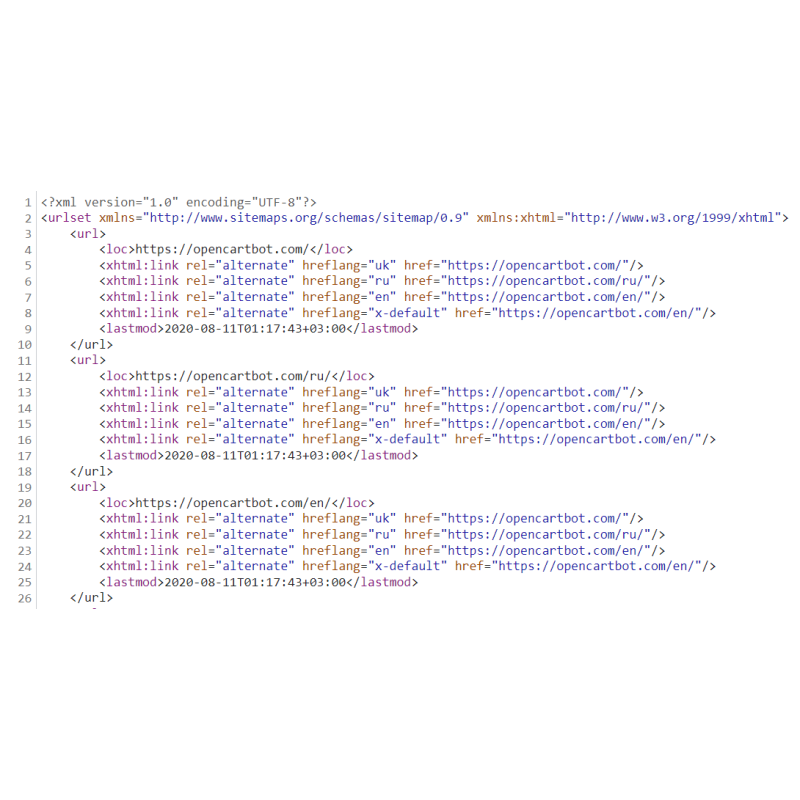
Multilingual XML Sitemap with Hreflang Tags for OpenCart
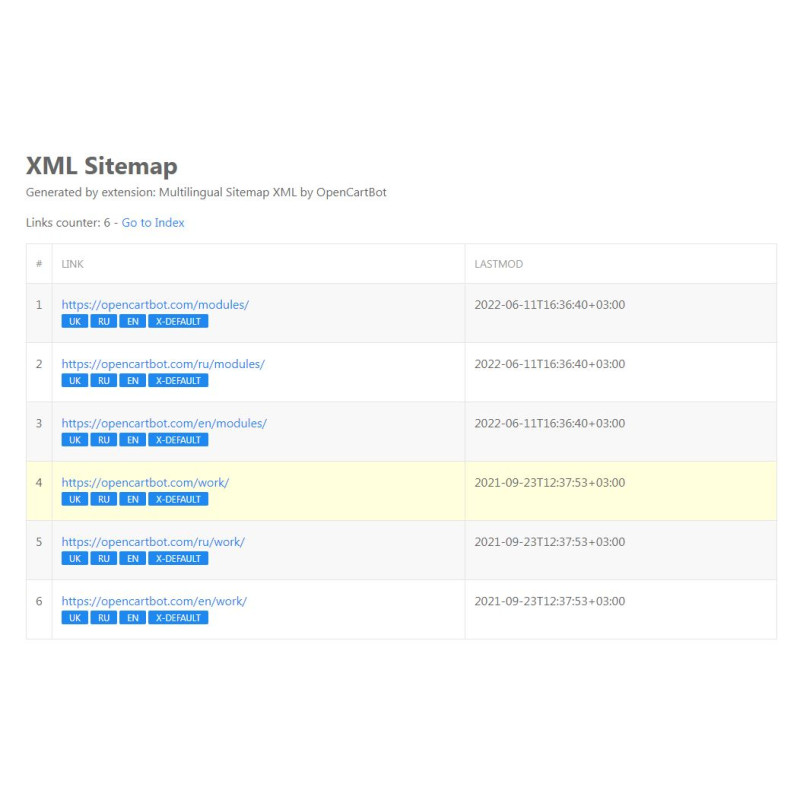
Engineered by Dev Global Solutions, this high-performance XML Sitemap generator delivers fully compliant, search-engine-ready sitemaps tailored for OpenCart. Built to handle complex, multi-language architectures, it injects structured xhtml:link rel="alternate" hreflang attributes to ensure web crawlers like Google and Bing process localized page variants correctly.
Key Features & Optimization Capabilities
-
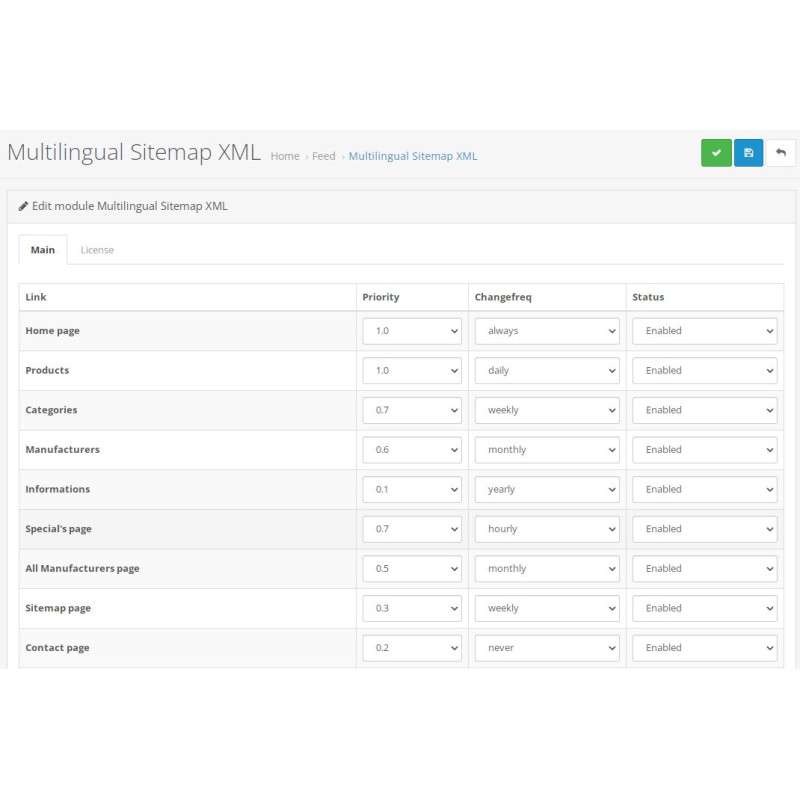
Full Entity Granularity: Include or exclude specific store sections, products, categories, manufacturers, information pages, and custom blog articles.
-
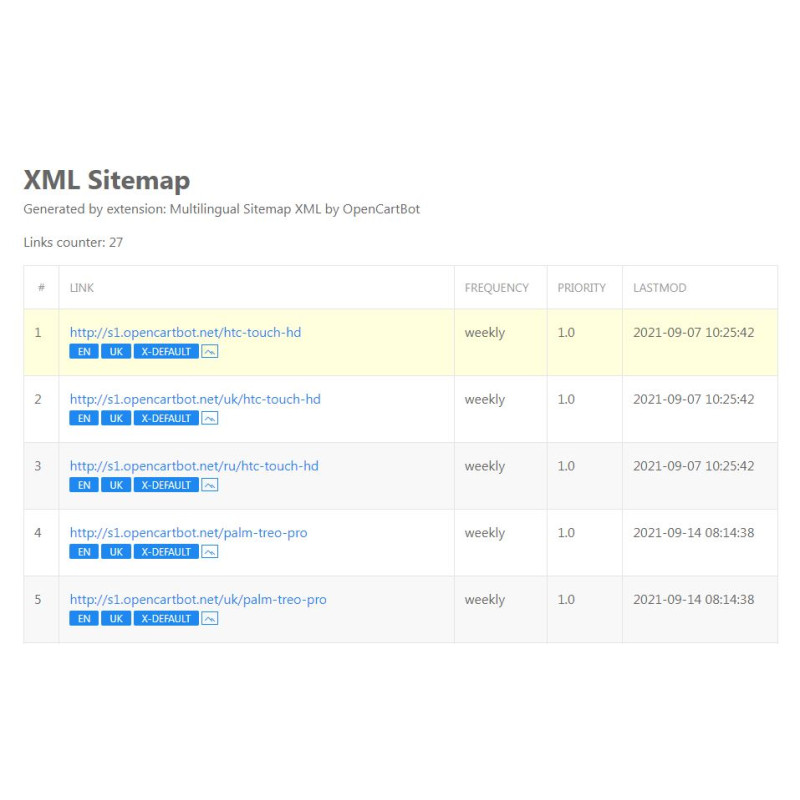
Comprehensive Tag Control: Manually adjust crawling rules for every entity using precise priority, changefreq, lastmod, and image markup settings.
-
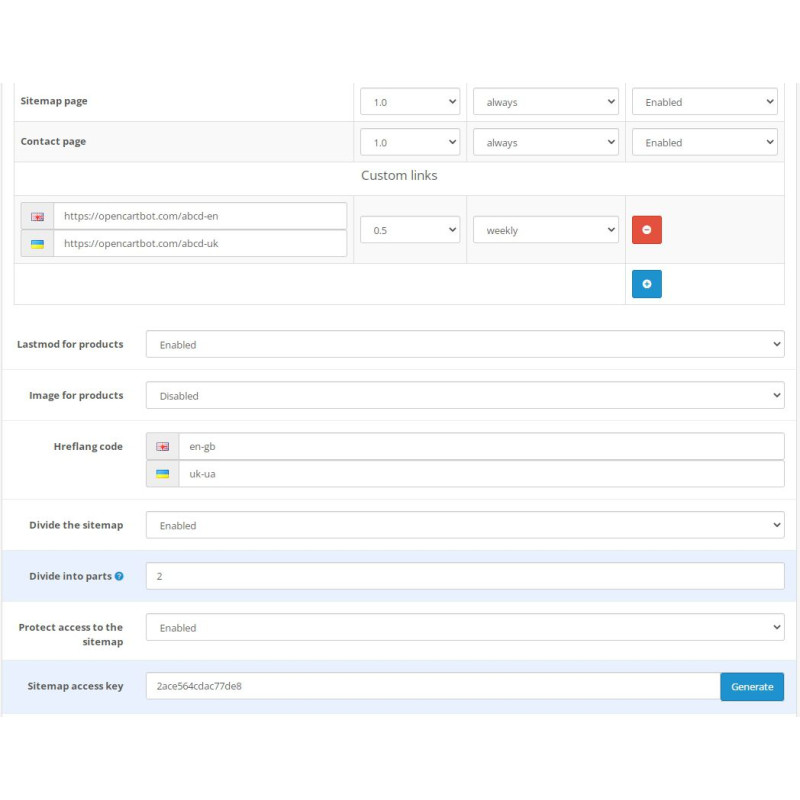
Custom Arbitrary URLs: Inject custom external or internal URLs into the feed, mapping specific links to individual store languages with independent crawling rules.
-
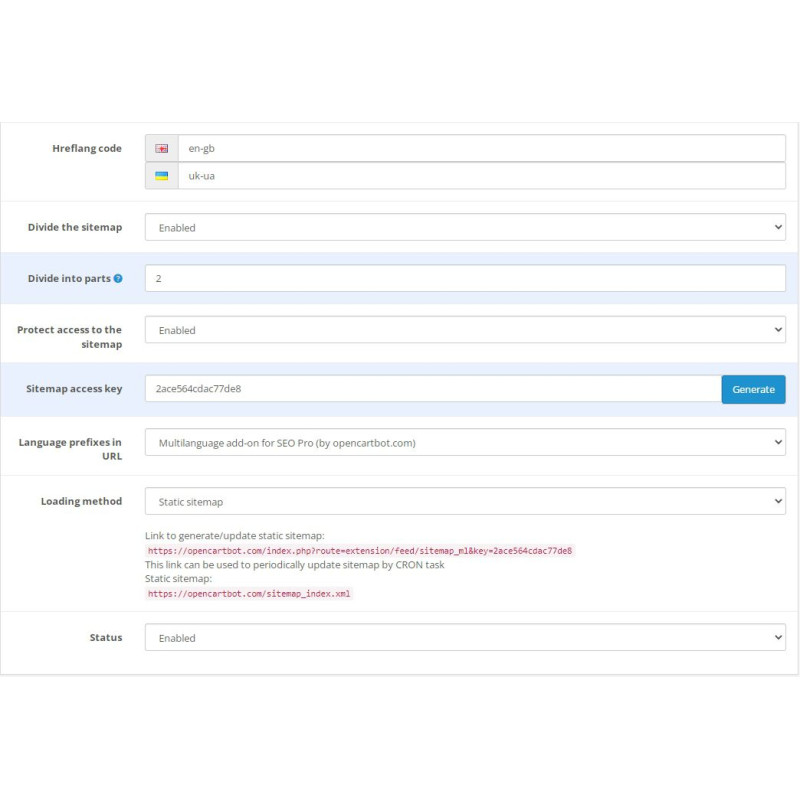
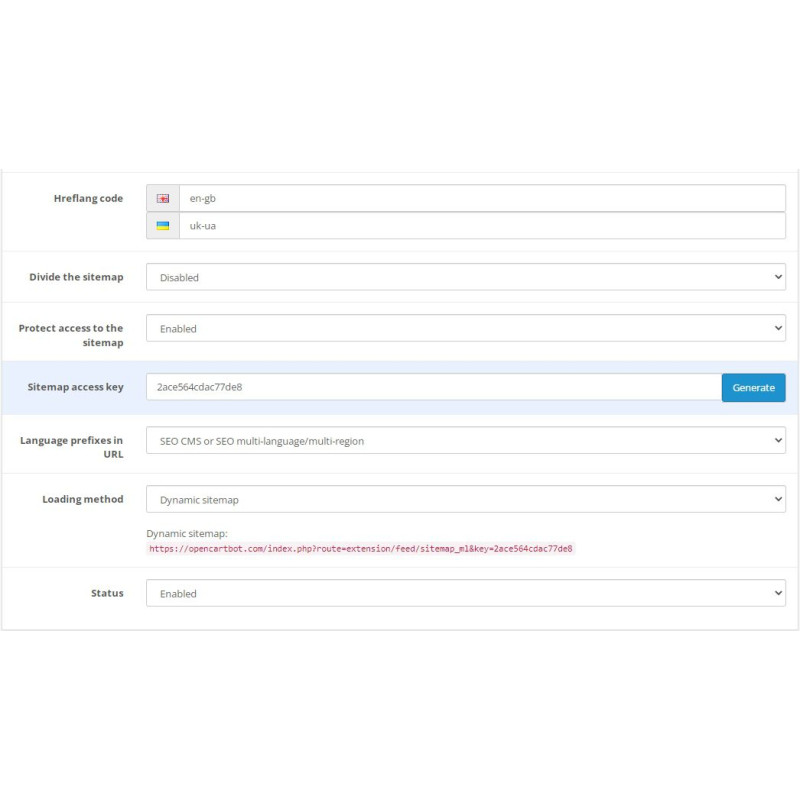
Internationalization & Localization: Assign unique hreflang targets (e.g., en, en-us, en-gb) for active localizations alongside dedicated x-default parameters.
-
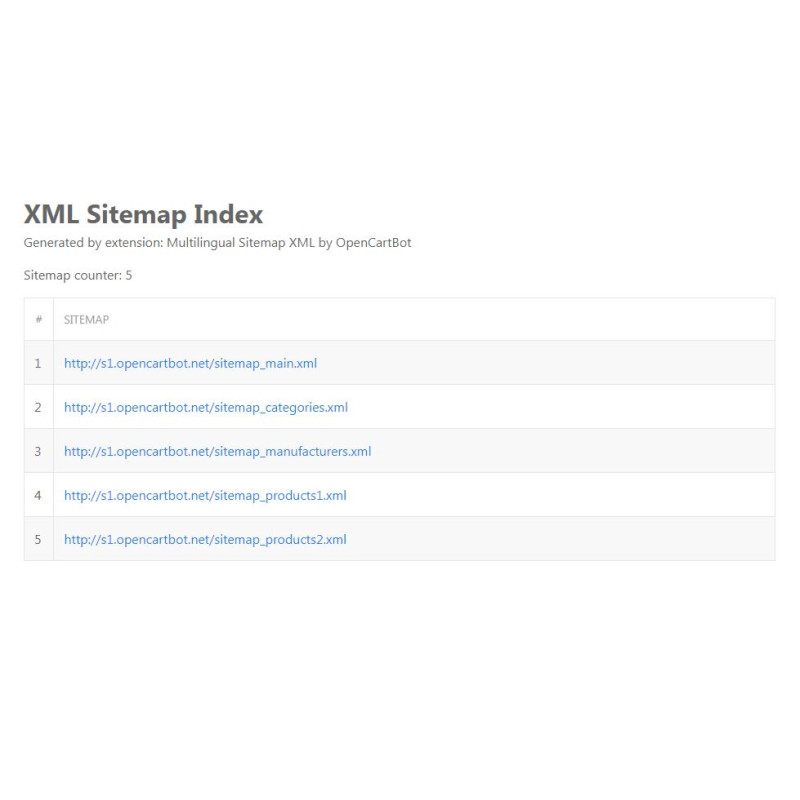
Sitemap Index & Chunking: Automatically partition expansive catalogs into modular sitemap chunks by item count, generating a structured parent sitemap index file for seamless search engine ingestion.
-
Dynamic Rendering or Static CRON Generation: Serve dynamic real-time XML output or pre-render static .xml files via scheduled CRON tasks to reduce database load on high-traffic catalogs.
-
Security & Multistore Support: Password-protect sitemap endpoints against scraping, exclude noindex meta pages, and run multi-store environments seamlessly.
SEO Integration: Operates efficiently on single-language setups and integrates fully with native OpenCart SEO URLs, SEO Pro, and Dev Global Solutions language-prefix extensions.
Installation Guide
-
Upload Extension Package
Navigate to Extensions → Installer in your OpenCart admin dashboard and upload the .ocmod.zip package file.
-
Clear Developer Template Cache
Go to the main Dashboard, open Developer Settings (gear icon), and clear the Template Cache.
-
Enable Feeds Module
Navigate to Extensions → Extensions, choose the Feeds filter, locate Multilingual Sitemap XML, and click Install.
-
Configure Module Parameters
Click Edit on the module. Enable module status, configure your hreflang values, set dynamic/static options, set feed passwords if needed, and save your settings.
-
Verify XML Output
Test your generated sitemap links in third-party validation tools (such as TechnicalSEO Hreflang Checker or Google Search Console) to ensure error-free indexing.