Multilingual SEO Pro: Language URL Prefixes & Hreflang for OpenCart
Engineered by Dev Global Solutions, Multilingual SEO Pro expands the capabilities of the core OpenCart SEO Pro extension by adding seamless multi-language URL structures. Implement clean language sub-directories, automated rel="alternate" hreflang annotations, and localized site assets across OpenCart 2.3.x.x and 3.0.x.x platforms.
Key Advantages & Features
-
High-Performance Architecture: Operates cleanly without adding heavy database queries, redundant URL handlers, or external libraries, keeping page load times lightning-fast.
-
Identical Keywords Across Languages: Reuse the exact same SEO keywords for different languages (e.g., /en/modules/ and /fr/modules/), separated dynamically by language prefixes.
-
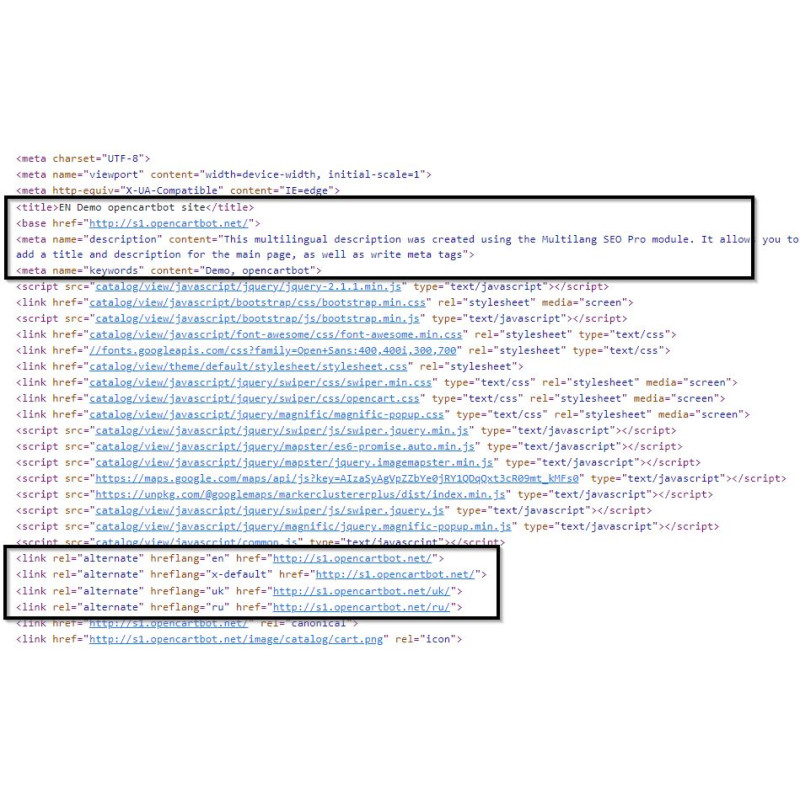
Google Search Guidelines Compliance: Automatically generates valid hreflang tag relationships, provides x-default target selection, and allows search bots to crawl multi-language content cleanly without forced IP redirects.
-
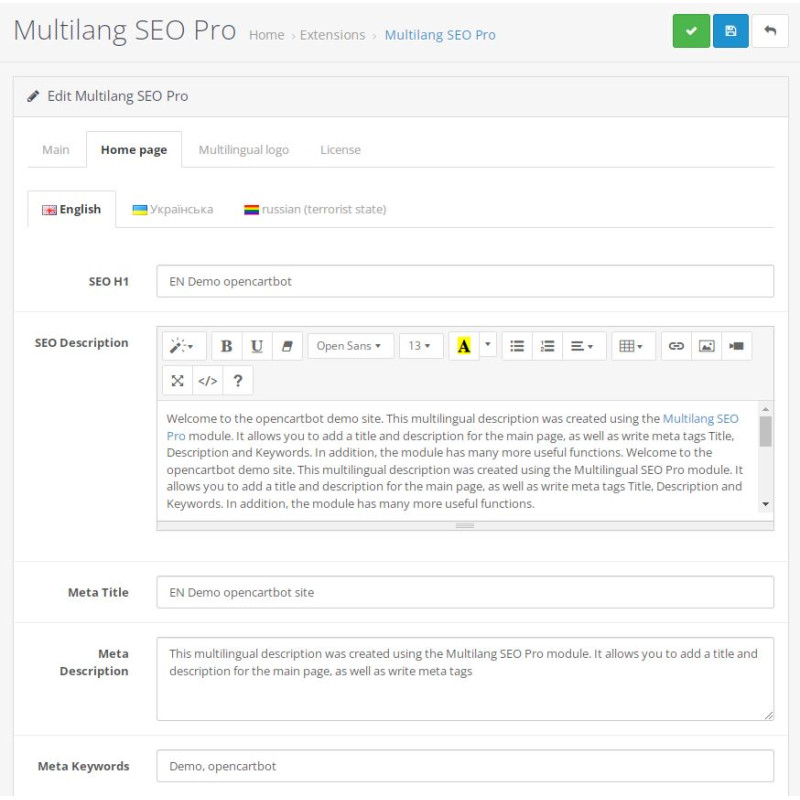
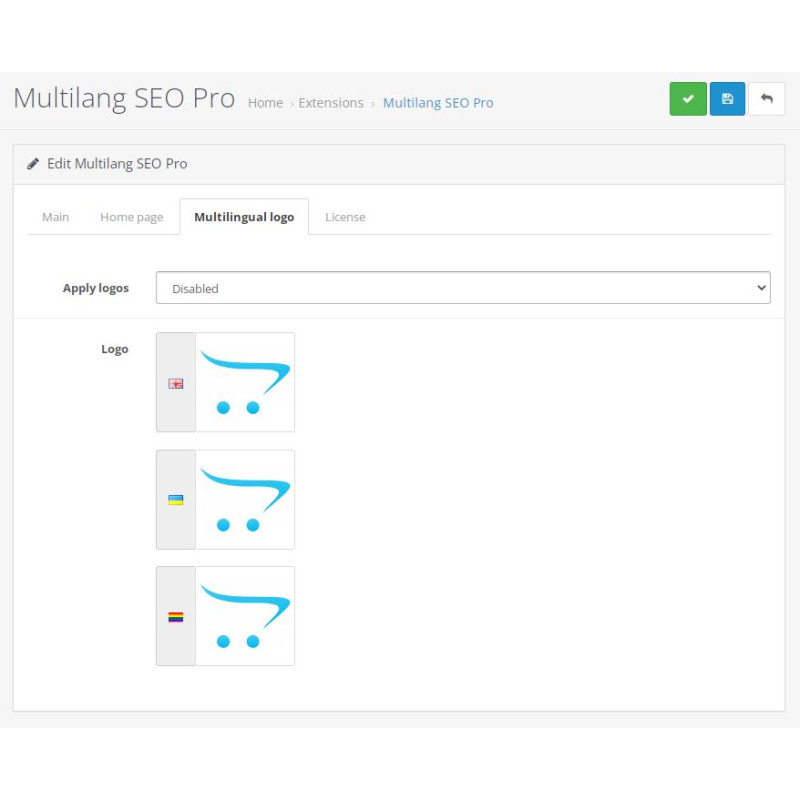
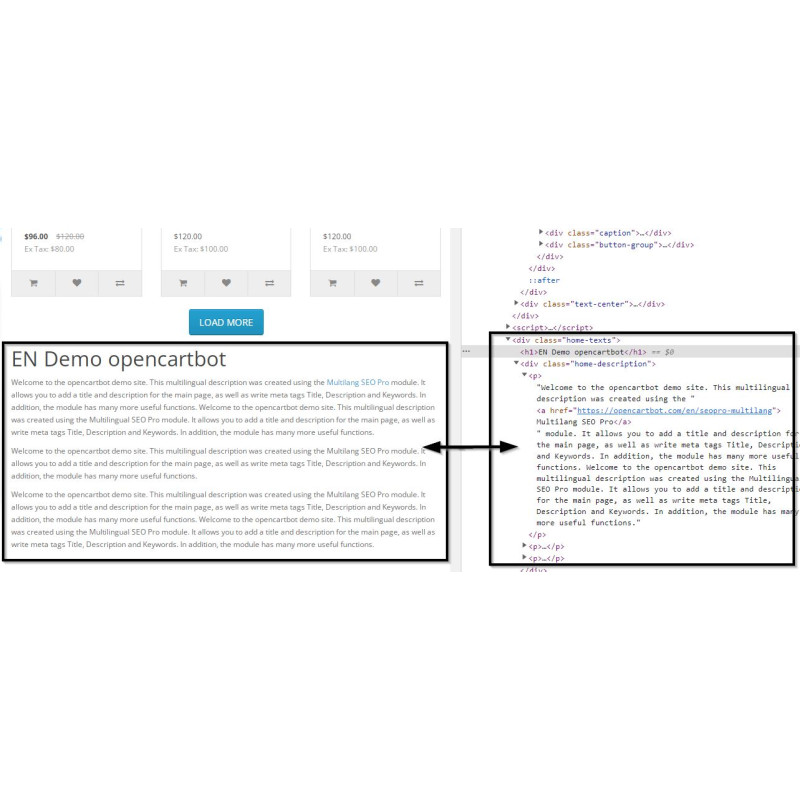
Localized Store Assets & Homepage Meta: Assign custom store logos, H1 tags, meta titles, and SEO descriptions for each active store language.
-
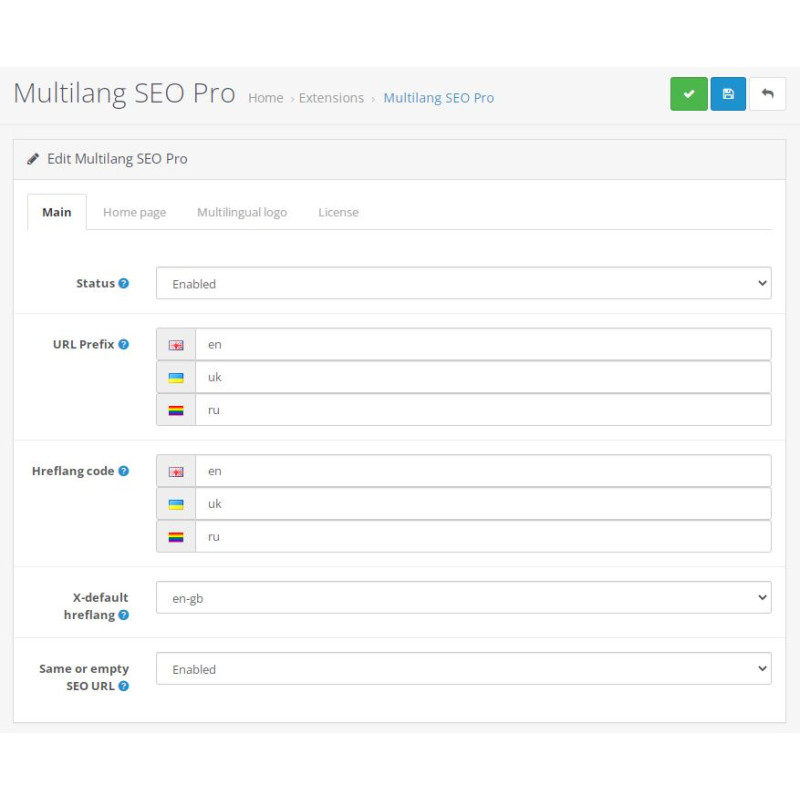
Flexible Regional Prefixes: Define custom URL prefixes (such as /en/, /us/, or /en-us/) while strictly mapping valid ISO-2 codes for hreflang tags (e.g., en or en-us).
-
Includes Popup Add-on: Comes with a lightweight language selector popup for first-time site visitors.
Prerequisite: This extension is a dedicated add-on for SEO Pro and requires SEO URL and SEO Pro modes to be active in your OpenCart system settings. Compatible with OpenCart 2.3.x.x - 3.0.x.x and PHP 5.6 through 8.x.
URL Structure Examples
Homepage Structure
Default Language: https://yourstore.com/
French Version: https://yourstore.com/fr/
English Version: https://yourstore.com/en/
Category / Inner Page Structure
Default Language: https://yourstore.com/modules/
French Version: https://yourstore.com/fr/modules/
English Version: https://yourstore.com/en/modules/
Installation Guide
-
Verify Prerequisite
Ensure that the core SEO Pro extension is installed and active on your OpenCart store.
-
Upload Package
Navigate to Extensions → Installer in your OpenCart admin panel and upload the .ocmod.zip package file.
-
Refresh Modification Cache
Go to Extensions → Modifications and click the blue Refresh button in the top right corner.
-
Activate & Configure Extension
Navigate to Extensions → Extensions → Modules, enable Multilang SEO Pro, edit the settings, and define your language prefixes and hreflang codes.
-
Configure Homepage Routes
Go to Design → SEO URL and ensure a blank SEO URL entry exists for the common/home route across each registered language.
-
Test Frontend Routes
Switch store languages on your storefront to verify prefix appending and inspect page source code for accurate hreflang tag output.